Una alternativa gratis a Clip Studio Paint en el navegador
Clip Studio Paint es una gran app, pero hay que pagarla y descargarla. Magma es gratis en el navegador, con presión del lápiz, capas y exportación a PSD, y te permite dibujar en vivo con amigos en el mismo lienzo.
Magma te conviene si
- Quieres bocetar, pintar o practicar sin comprar ni instalar programas.
- Quieres dibujar con amigos en un mismo lienzo al mismo tiempo, con chat de voz.
- Tienes un bloqueo artístico o te falta motivación: dibujar junto a otras personas despierta ideas y te ayuda a seguir.
- Cambias de computadora a menudo, o dibujas en Chromebook o en la computadora de la escuela.
Sigue con Clip Studio Paint si
- Dependes de herramientas de producción integradas: bordes de viñeta, globos de diálogo, tramas y reglas.
- Usas capas vectoriales, modelos 3D de poses o la línea de tiempo de animación.
- Necesitas trabajar sin conexión.
Magma y Clip Studio Paint, lado a lado
| Magma | Clip Studio Paint | |
|---|---|---|
| Precio (USD) | Gratis (plan Spark). Blaze cuesta $9.99/mes | PRO $63 o EX $277 en un pago único, o un plan mensual desde $4.49 |
| Dispositivos | Cualquier navegador moderno (Windows, Mac, Chromebook, Linux, tabletas), además de una app de escritorio para Windows y Mac (Apple Silicon). En celulares y tabletas, agrégala a la pantalla de inicio y se abre como una app | Apps para Windows, macOS, iPad, iPhone, Android y Chromebook |
| Dibujar con amigos | Sí: cientos de artistas en un tablero y hasta 30 pintando a la vez en el mismo lienzo (50 con Blaze), con chat de voz y de texto | No: el Trabajo en equipo (solo EX) comparte obras de varias páginas por la nube, página por página, no en vivo en un mismo lienzo |
| Dibujar con personas que no conoces | Sí: únete a Art Jams públicas y lienzos abiertos, o a una comunidad de Artspace, y dibuja con artistas de todo el mundo | No |
| Lienzo infinito | Sí: Multiboard reúne muchos lienzos lado a lado en un solo espacio de trabajo, para páginas de cómic, tiras de webtoon, maquetación, referencias y grandes Art Jams | Varias páginas en una misma obra (EX) |
| Viñetas, globos de diálogo, tramas | No integrados | Integrados, además de reglas |
| Vectores y 3D | No | Capas vectoriales y modelos 3D |
| Animación | Sin línea de tiempo | Línea de tiempo de animación y papel cebolla |
| Capas | 60 en el plan gratis, 200 con Blaze. Todavía sin grupos ni máscaras | Carpetas de capas y máscaras |
| Archivos PSD | Exporta PSD con capas e importa PSD como capas | Importa y exporta PSD |
| Funciona sin conexión | No. Magma funciona en línea, así que cada trazo se guarda en la nube mientras dibujas, en el navegador y en la app de escritorio | Sí |
| Comunidad | Como Discord para artistas: Artspaces con canales de chat, voz, eventos y Art Jams, además de una galería pública y más de 5 millones de artistas | Clip Studio Assets y Ask |
Datos revisados el 25 de septiembre de 2026. Los precios y las funciones cambian, así que consulta las fuentes al final de la página.
En qué es mejor Clip Studio Paint
Clip Studio Paint tiene herramientas de producción muy completas que Magma no tiene: bordes de viñeta, globos de diálogo, tramas, entintado vectorial, modelos 3D de poses y animación, y funciona sin conexión. Magma no intenta reemplazarlas. Magma es donde bocetas, pintas y practicas gratis, y donde dibujas con otras personas, cómics incluidos.
Usa los dos
Boceta o pinta con amigos en Magma, exporta un PSD con capas y ábrelo en Clip Studio Paint para entintar, agregar tramas y rotular la página. O lleva un PSD de Clip Studio Paint a Magma para pintar encima en grupo.
Dibuja con otras personas
El Trabajo en equipo de Clip Studio Paint comparte páginas por la nube. En Magma, todo el grupo está en el mismo lienzo en el mismo momento: envía un enlace, conversa por chat de voz y dibuja con tu grupo. Las Art Jams te permiten hacerlo con artistas de todo el mundo.
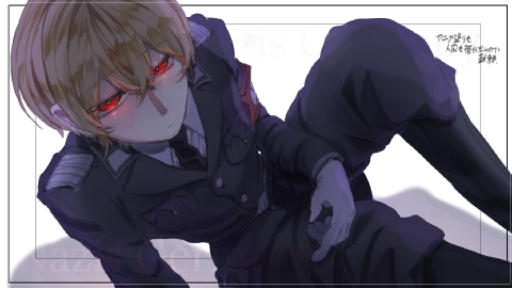
Obras creadas en grupo en Magma
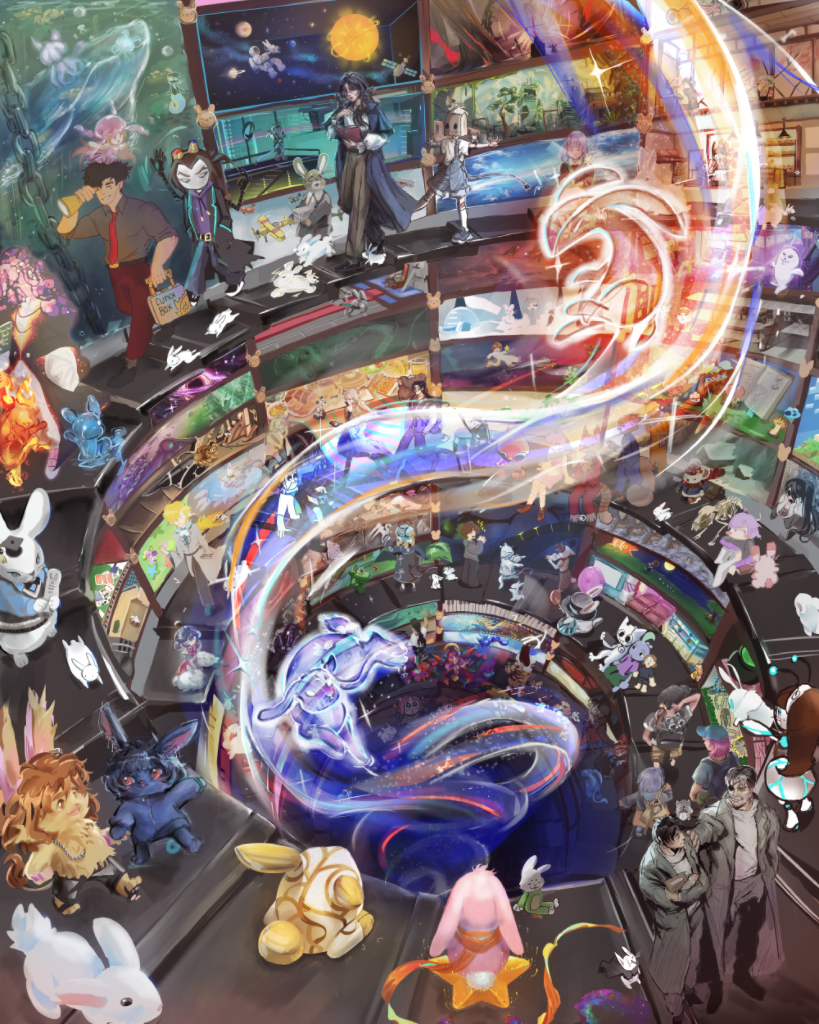 404 artistas Into The Rabbit Hole
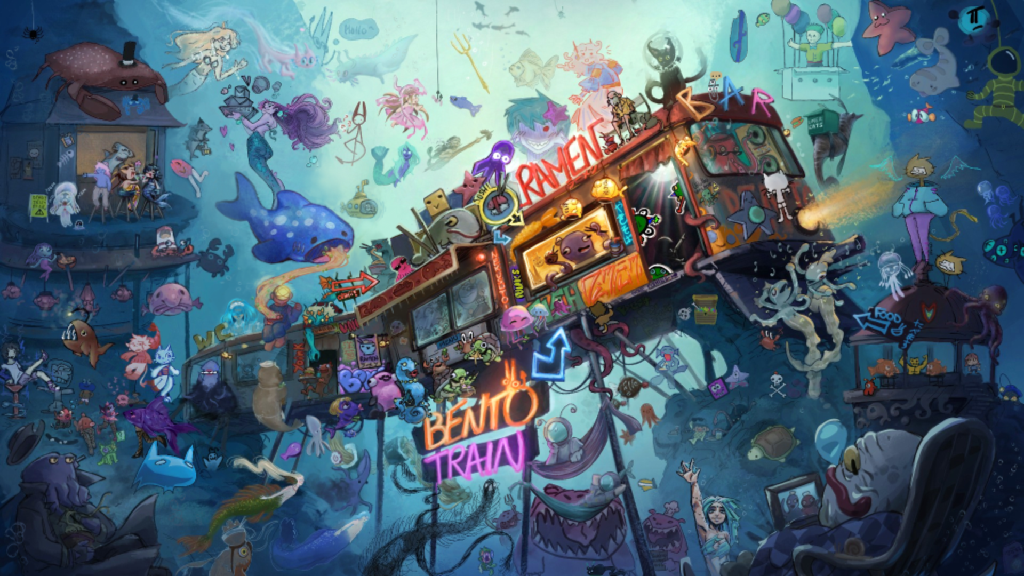 151 artistas BENTO TRAIN
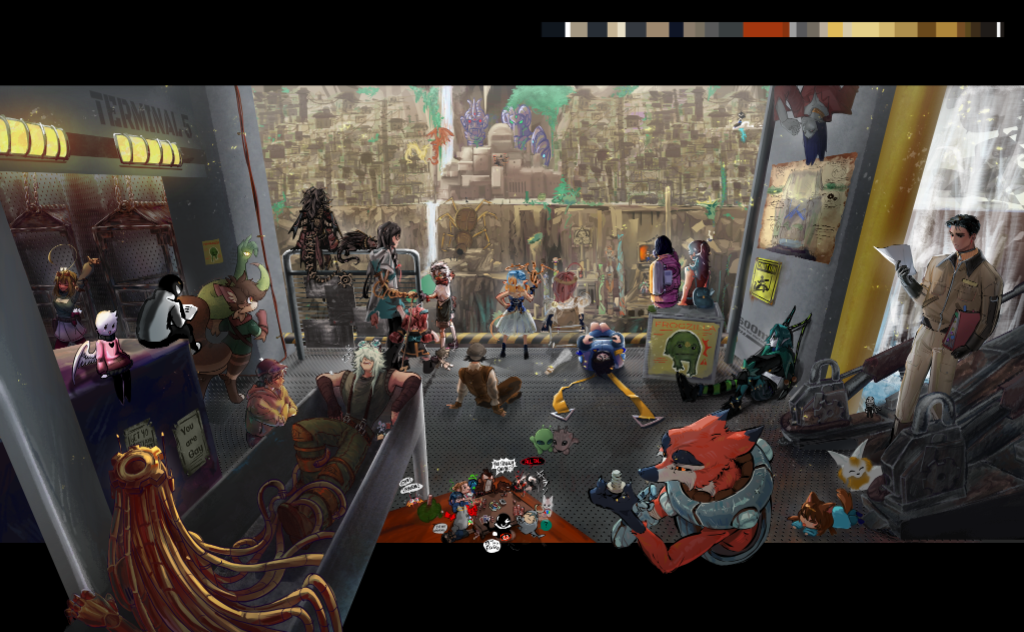 120 artistas DOWN UNDAH
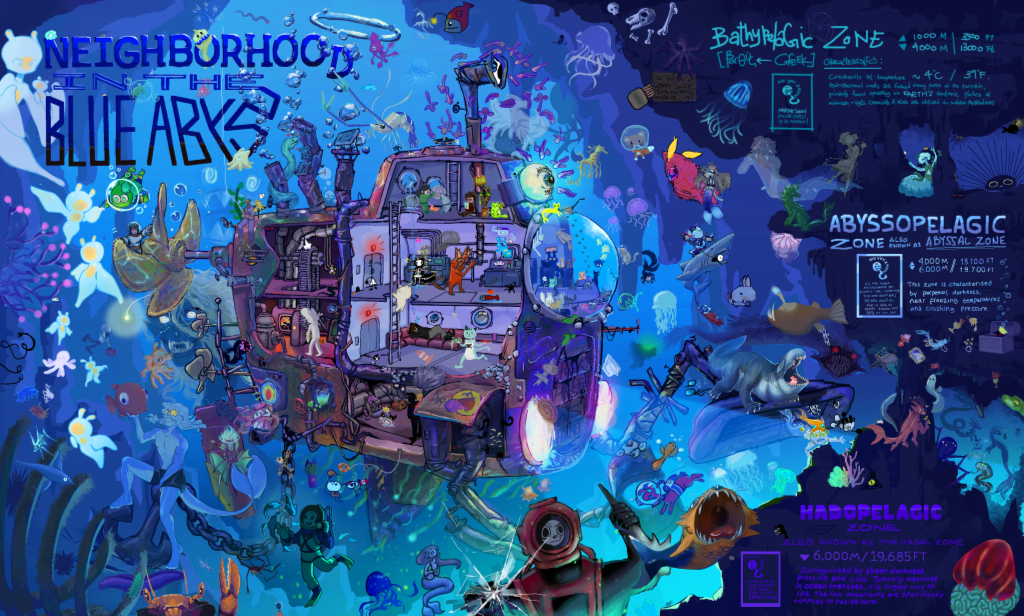 90 artistas Deep Sea Expedition
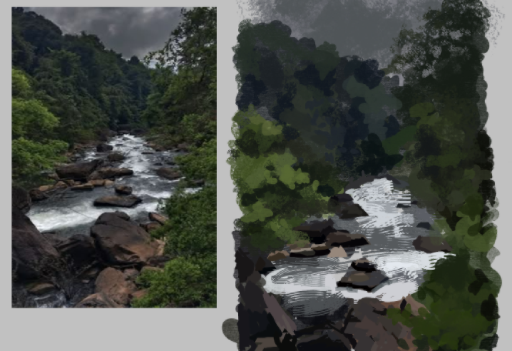
Obras destacadas de la comunidad
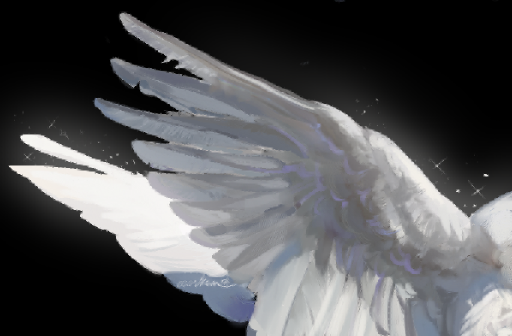


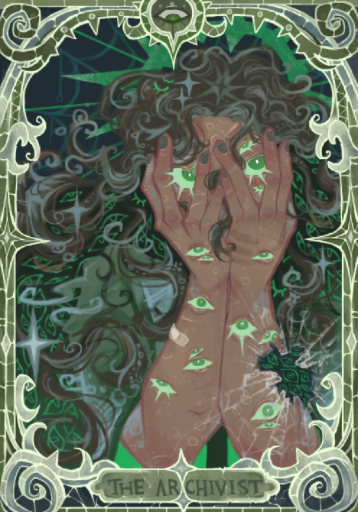
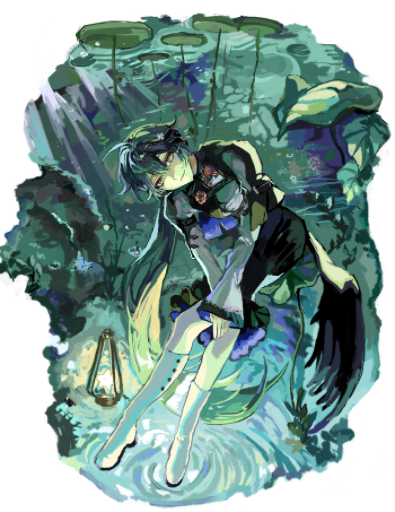
Preguntas frecuentes
¿Clip Studio Paint es gratis?
En computadoras, no. Clip Studio Paint tiene una prueba gratuita; después compras PRO o EX en un pago único o pagas una suscripción mensual. En celulares se puede usar gratis hasta 30 horas al mes. Magma es gratis en tu navegador.
¿Se puede dibujar en grupo en Clip Studio Paint?
No en vivo. El Trabajo en equipo de Clip Studio Paint EX permite compartir y editar obras de varias páginas por la nube, página por página, pero no dibujar a la vez en un mismo lienzo. Para dibujar en vivo con amigos, usa Magma.
¿Puedo pasar mis trabajos entre Magma y Clip Studio Paint?
Sí, con archivos PSD. Magma exporta PSD con capas que Clip Studio Paint abre, e importa PSD como capas (las carpetas de capas se acoplan).
¿Magma sirve para cómics y manga?
Sí, para dibujar y pintar tus páginas, y para hacer cómics y webtoons en grupo con amigos. Multiboard te permite ordenar páginas o tiras largas de webtoon lado a lado en un lienzo infinito y dibujarlas en grupo. Magma no trae bordes de viñeta, globos de diálogo ni tramas, así que, si dependes de ellos, Clip Studio Paint los tiene.
¿Magma funciona con mi tableta gráfica?
Sí. Magma lee la presión y la inclinación del lápiz de tabletas gráficas y lápices ópticos en el navegador.
¿Magma usa IA generativa?
No. Magma no tiene herramientas de generación de imágenes con IA. Lee nuestro Manifiesto sobre el arte con IA para saber por qué.
Compara otras herramientas
More guides
Fuentes
Tu próximo lienzo está a un clic. No hace falta descargar nada.
Comenzar a dibujar gratis