New Filters, Art Jam templates and more! - October 2026
October 12, 2026
·
5 min
Mid-October, and we’re bringing you a fresh update that includes some exciting new filters, a change to your profile and Artspace gallery pages, and creating your own templates for Art Jams. Read on to find out more…

New Filters
We’ve had many requests over the years for different kinds of filters, and now we’ve finally been able to add them. When on a canvas, check your Filters menu in the top bar where you will find several new options including noise, pixelate, glitch, chromatic aberation, fisheye, and even gradient maps!

While we did get our beta testers to take them for a spin before release, do let us know if you encounter any unexpected behaviours with any of the filters, or if there are others you’d like to see added.

Gallery Layout update
There was a lot of wasted space on gallery pages, and the same-size tiles for the image previews could have looked better. So, we’ve updated your profile and Artspace gallery pages to be more in line with the look of the Homepage, where the tiles have varied shapes and sizes to suit the dimensions of your artworks. On desktop, the gallery also displays more tiles across the width of the display instead of just two columns.

Art Jam Templates
If you like hosting the same sort of Art Jams but wish it were quicker to set up each time? Well, now it’s possible by creating your own templates that you can choose from when creating a new Art Jam.
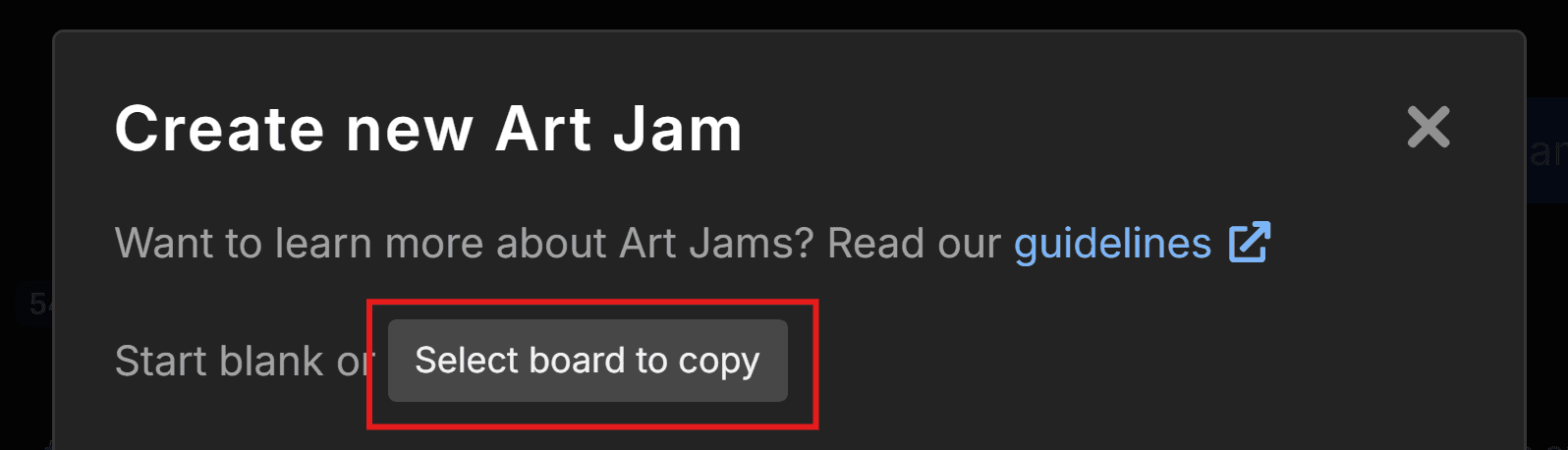
You can either choose a template canvas you have saved in your Artdesk or Artspace, or set up a complete Art Jam as a draft to use as a template later. This will copy the Art Jam in its entirety, including:
the Art Jam title
the description
rules
fee, NSFW, tags, or automatic moderation settings
layers and layout of your canvases or multiboard
More about this in the Art Jam Templates guide.
Other updates and bug fixes
In the background, we’re always working to improve other aspects of the site. This time around we’ve:
improved performance on larger Art Jams;
improved the Transform and Selection tools;
added a Marketplace page to the top menu for finding brushes;
added a temporary fix for the ad-block removal screen appearing when it shouldn’t;
fixed the layer visibility tooltip not matching the current setting;
As always, let us know what you think. Feel free to send us your Feature Requests; reach out to us on Discord or send us a message.
Stay well and happy drawing.


관련 기사

Ryan Allan
·
October 12, 2026
Check out the latest updates added to Magma including new filters.

Ryan Allan
·
September 17, 2026
Check out the latest creator brush packs added to Magma.

Ryan Allan
·
Sept 3, 2026
Read about the new Scheduled Art Jams feature and updated creation flow for Jams.

Ryan Allan
·
June 12, 2026
Stay up-to-date with your art friends by enabling push notifications!
Ryan Allan
·
May 29, 2026
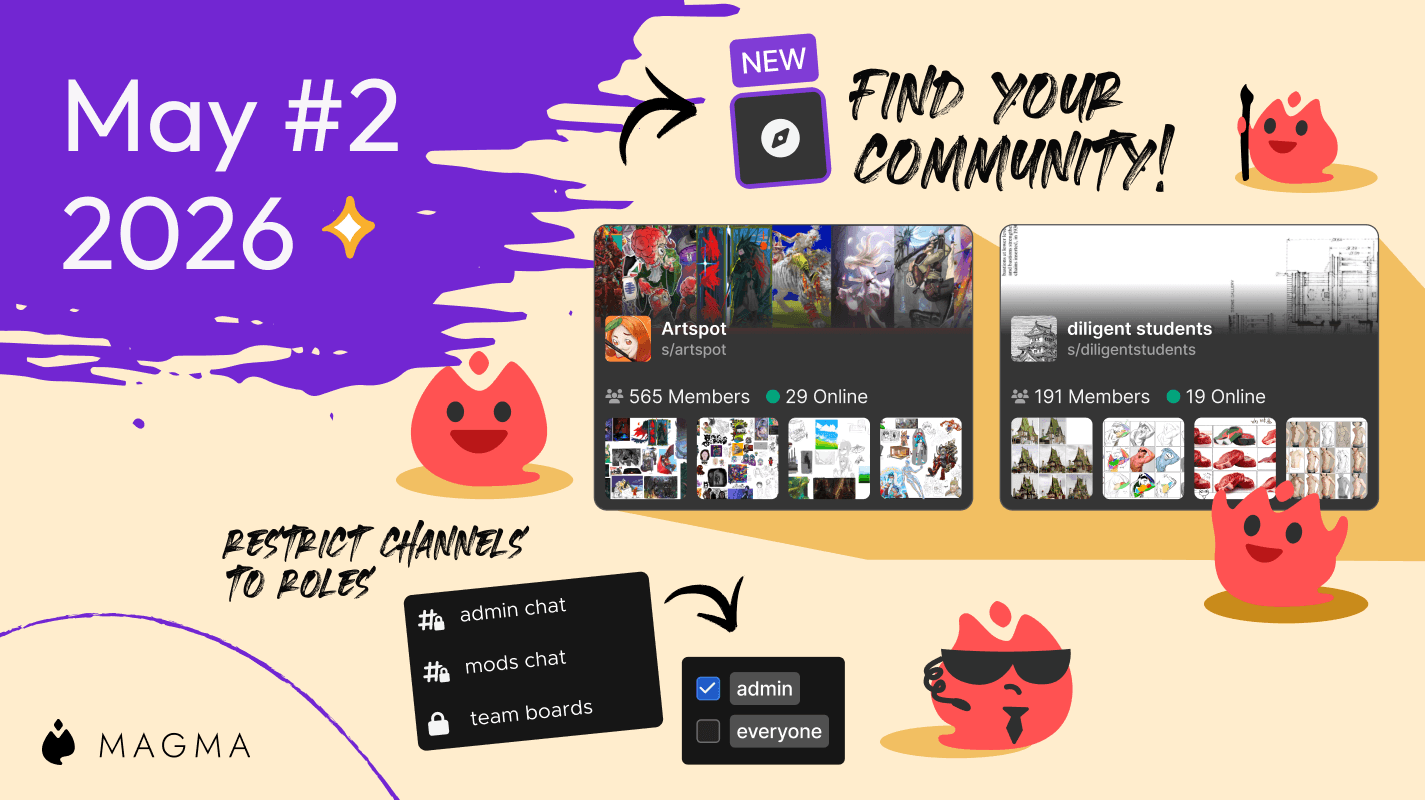
Discover awesome communities with Artspace listing, and use roles to restrict channel access in your space.
Ryan Allan
·
May 7, 2026
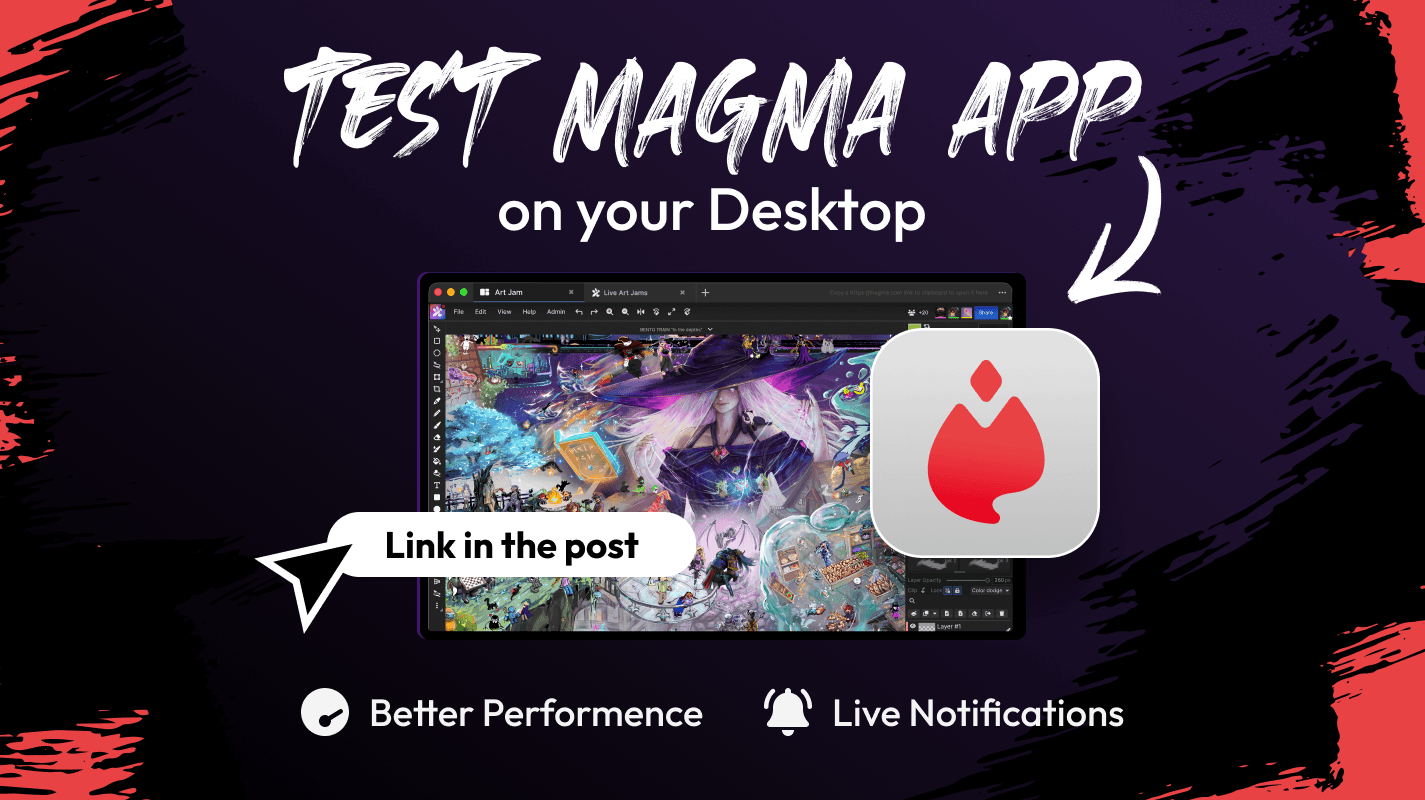
The Magma standalone desktop app is now available for testing.
Ryan Allan
·
May 1, 2026
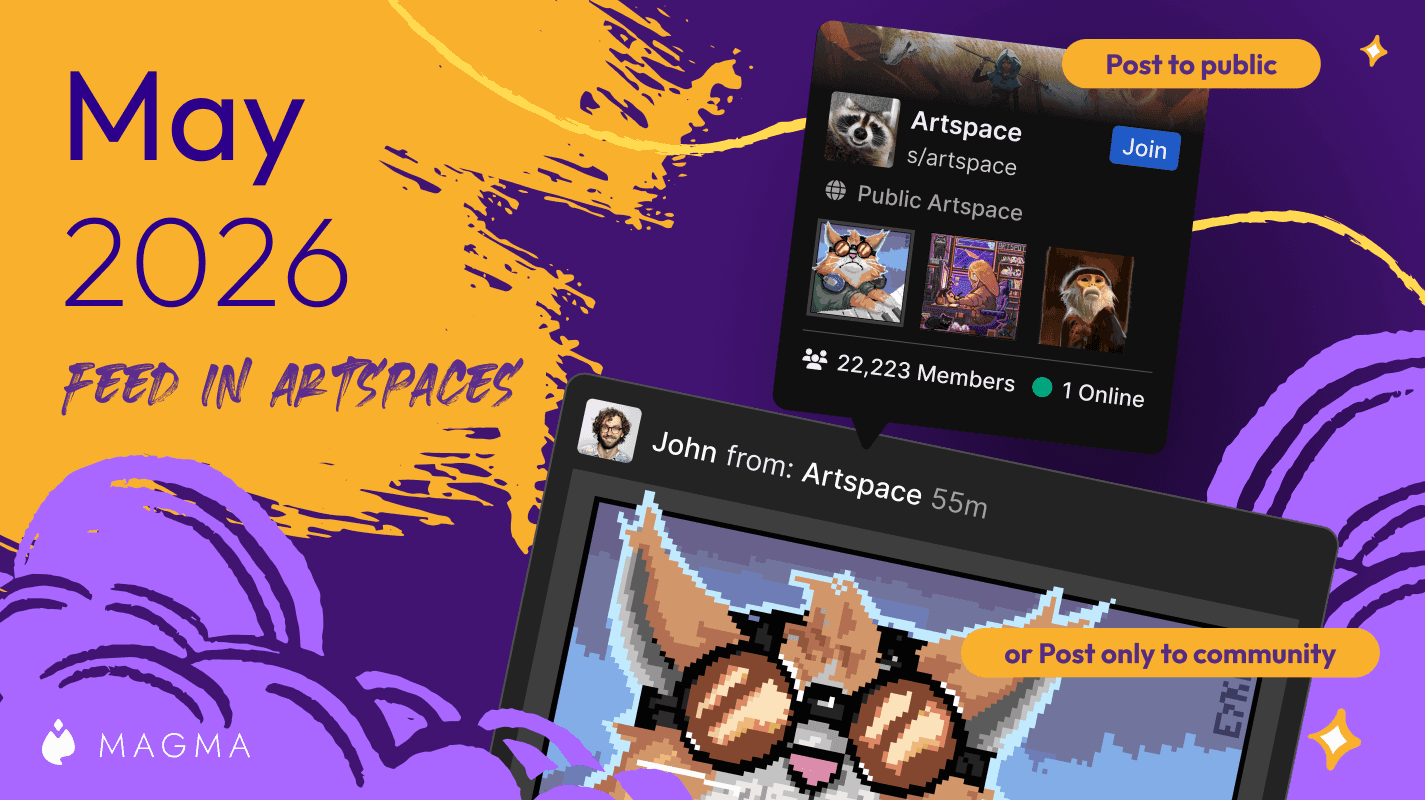
We've upgraded Artspaces even more!
Ryan Allan
·
April 10, 2026
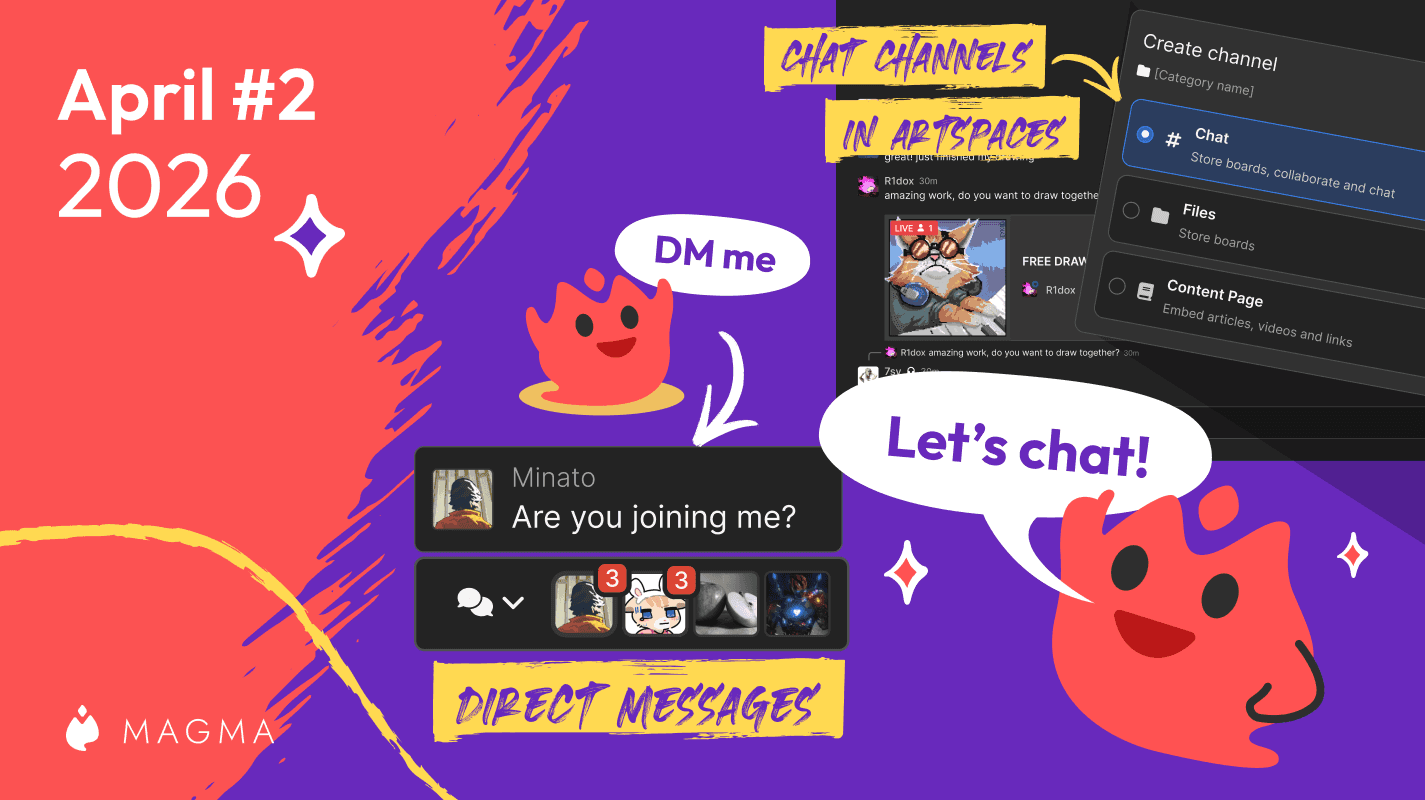
See what's new with Magma's upgraded chat system!
Ryan Allan
·
April 2, 2026
We've improved the blocking system in Magma, and added controls for brush texture depth.
Ryan Allan
·
March 18, 2026
Two new creator brush packs and a whole lot more texture for your brushes.
Ryan Allan
·
February 11, 2026
In this update, we bring you some news and improvements to Artspaces as well as a new Participants List
Ryan Allan
·
January 1, 2025
Check out some stats as we look back at 2025, and how to view your own round-up of your activity on Magma
Ryan Allan
·
December 18, 2025
In this update, we bring you some new brushes as well as the Dual Brush setting.
Ryan Allan
·
Jan 15, 2025
Magma's Multiboard feature unlocks quiute a few possibilities, one of those being a sort of infinite canvas.
Ryan Allan
·
November 28, 2025
We're excited to be partnering with Orb to share a free custom brush pack to use in Magma.
Ryan Allan
·
November 24, 2025
We've got some improvements to Super Simple Mode and Comment threads
Ryan Allan
·
November 13, 2025
We've got some improvements to the new Homepage and Liquify, and Multiboard
Ryan Allan
·
November 6, 2025
To keep Magma's environment safe and healthy for artists, we have updated our Community Guidelines.
Ryan Allan
·
October 25, 2025
We've got some improvements to the new Homepage and Liquify, and Multiboard
Ryan Allan
·
October 9, 2025
Make adjustments to proportions and posing with the new Liquify tool in Magma.

마그마
·
October 2, 2025
Browsing multiboards just got easier, plus new fonts and brush panel controls
Ryan Allan
·
September 25, 2025
We're leveling up the collaboration possibilities with a new Remixing feature!
Ryan Allan
·
September 4, 2025
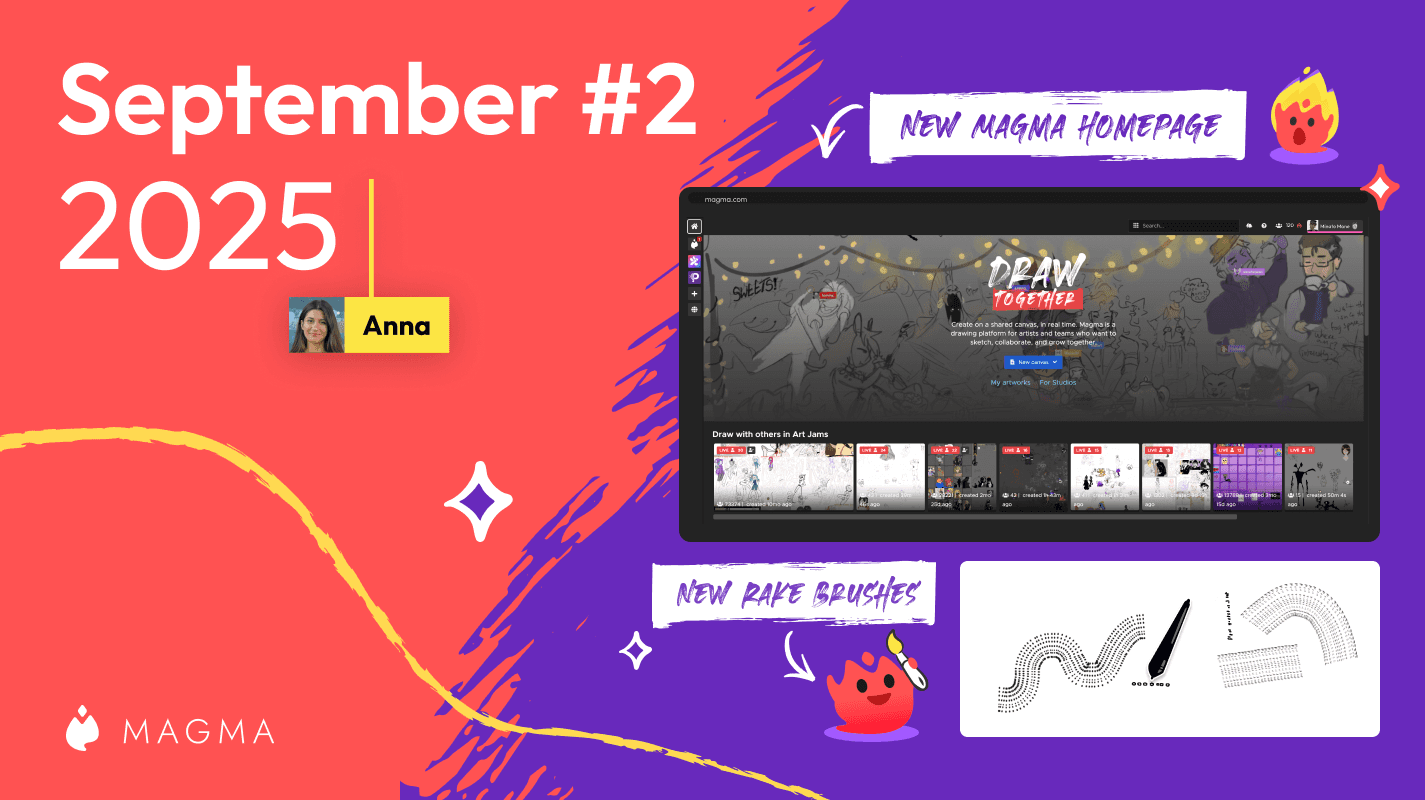
Introducing our new homepage where you can discover awesome art from Magma users across the globe.
Ryan Allan
·
September 2, 2025
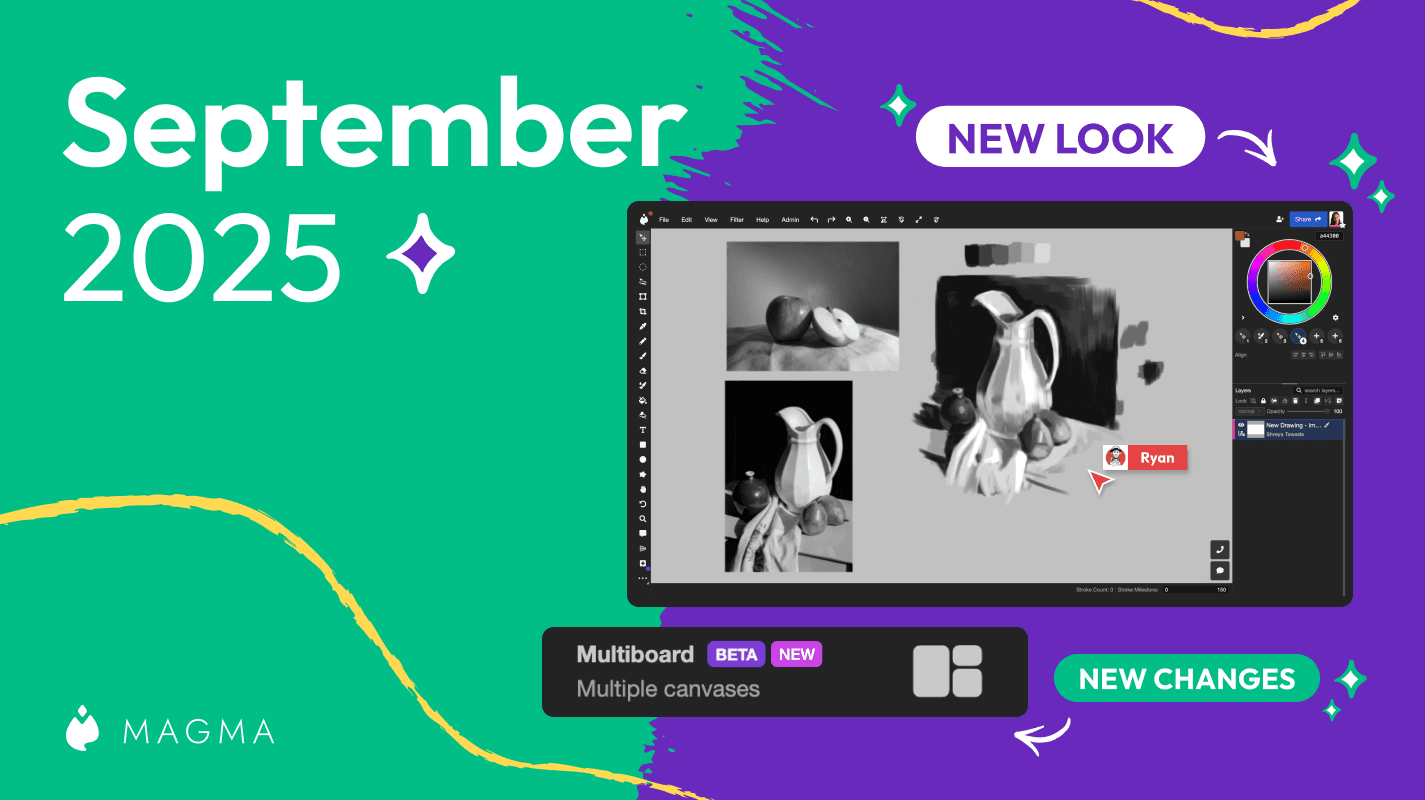
Introducing an update to the Magma UI as well as our much anticipated Multiboard feature
Ryan Allan
·
August 19, 2025
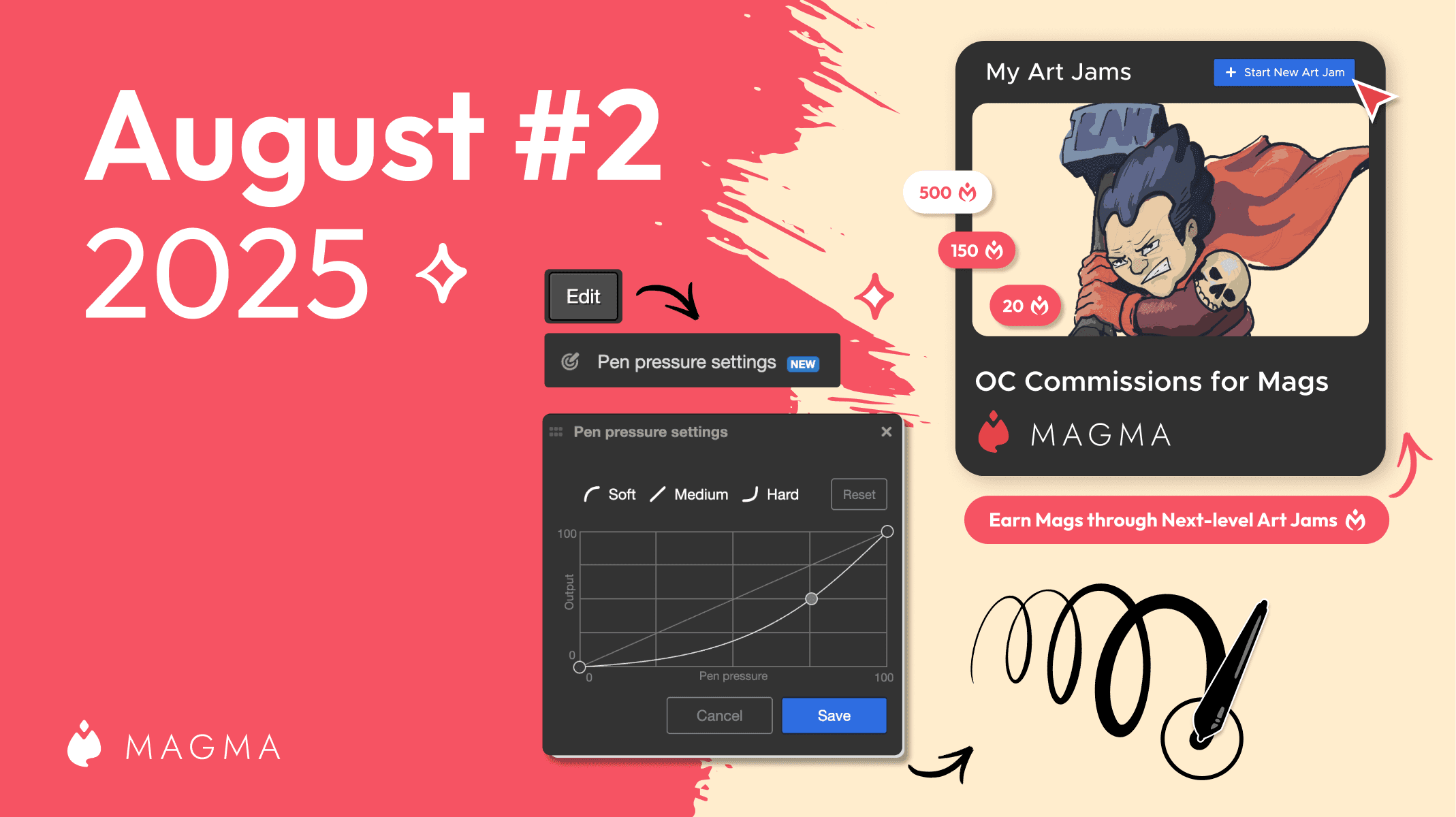
Check out what's new in Magma including a customizable pressure sensitivity curve and the ability to add an entrance fee for Art Jams

Ryan Allan
·
August 6, 2025
Introducing a new project at Magma to support our artists, one Mag at a time.
Ryan Allan
·
9 July, 2025
A look at what's new in the first July '25 Magma update.

Ryan Allan
·
June 24, 2025
A look at what's new in the second June '25 Magma update.
Ryan Allan
·
June 13, 2025
A look at what's new in the first June '25 Magma update.

Ryan Allan
·
April 30, 2025
Annoucing the winners from our first User Gallery contest
Ryan Allan
·
April 17, 2025
A look at what's new in the second April '25 Magma update.

Ryan Allan
·
April 14, 2025
With the public launch of our User Gallery feature, we want to host a competition. Here's all that you need to know...
Ryan Allan
·
April 9, 2025
A look at what's new in the April '25 Magma update... and it's a big one!
Ryan Allan
·
March 13, 2025
A look at what's new in the first March '25 Magma update...

Ryan Allan
·
Feb 18, 2025
A look at what's new in the latest Magma update...

Anya Kondratyeva
·
2024년 7월 10일
친구를 Magma에 초대하면 리워드 프로그램을 시작합니다! 다른 아티스트를 추천하시면, 두 분 모두 추가 브러시 프리셋을 저장할 수 있습니다.
Anya Kondratyeva
·
2024년 6월 18일
창의적인 그림 이벤트를 주최하는 아티스트 모임인 Art Pizza Podcast 팀과의 대화를 읽어보세요. 이들은 Magma에서 즐거운 드로잉 행사를 개최하고 있습니다.

Anya Kondratyeva
·
2024년 6월 20일
규칙과 모범 사례를 보려면, 다른 사람들과 캔버스에서 협업하는 방법에 대한 블로그 게시물을 확인하세요. 여기에는 디지털 아티스트와 창의적인 전문가를 위한 혁신적이고 명확한 UI 언어로 설명되어 있습니다.