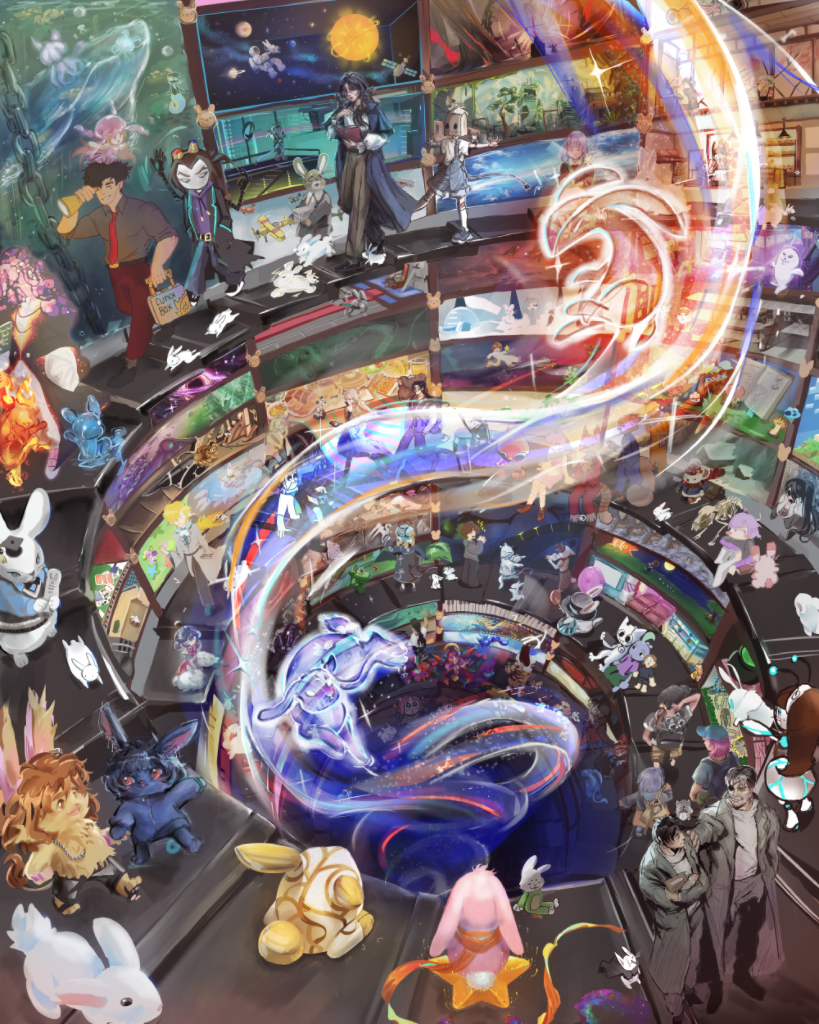
 아티스트 404명
Magma가 잘 맞는 분
- Photoshop을 사진 편집보다 주로 드로잉, 스케치, 채색에 쓰는 분
- 음성 통화를 하면서 다른 아티스트와 같은 캔버스에서 그리고 싶은 분
- 그림 슬럼프에 빠졌거나 동기 부여가 필요한 분. 다른 아티스트 옆에서 그리면 아이디어가 떠오르고 꾸준히 그리게 됩니다.
- 설치도 구독도 필요 없는, 브라우저에서 쓰는 무료 앱을 원하는 분
Photoshop 쪽이 더 잘 맞는 분
- 사진을 편집하거나 마스크, 조정 레이어, 고급 선택 기능이 필요한 분
- 인쇄(CMYK)나 타이포그래피 작업을 하거나 플러그인을 많이 쓰는 분
- 오프라인 작업이나 Creative Cloud 전체 작업 흐름이 필요한 분
Magma와 Photoshop 한눈에 비교
| Magma | Photoshop | |
|---|---|---|
| 가격 | 무료(스파크 플랜). 블레이즈 월 $9.99 | Photoshop 플랜 월 $22.99(연간 결제). 포토그래피 플랜(월 $19.99)에도 포함 |
| 용도 | 혼자 또는 함께 그리는 드로잉과 채색 | 사진 편집, 디자인, 디지털 페인팅 |
| 지원 기기 | 모든 최신 브라우저(Windows, Mac, Chromebook, Linux, 태블릿)와 Windows·Mac(Apple Silicon)용 데스크톱 앱. 스마트폰과 태블릿에서는 홈 화면에 추가하면 앱처럼 열립니다 | Windows, Mac, iPad, iPhone, 웹(웹 버전과 전체 기능은 플랜 필요) |
| 친구와 함께 그리기 | 진정한 멀티플레이: 그려지는 획을 하나하나 실시간으로 봅니다. 하나의 보드에 수백 명, 하나의 캔버스에 최대 30명(블레이즈는 50명), 음성 통화와 채팅 지원 | 불가: 라이브 공동 편집(베타, Creative Cloud 플랜 필요)은 참여자 간 변경 사항을 동기화하지만, 서로 그리는 획을 실시간으로 볼 수는 없음 |
| 전 세계 아티스트와 함께 그리기 | 가능: 공개 아트 잼, 공개 캔버스, 아트스페이스 커뮤니티에 참여해 전 세계 아티스트와 함께 그리기 | 불가 |
| 무한 캔버스 | 있음: 멀티보드로 하나의 작업 공간에 여러 캔버스를 나란히 배치. 만화 페이지, 웹툰 원고, 레이아웃, 참조 이미지, 대규모 아트 잼에 적합 | 하나의 문서 안에서 아트보드 사용 |
| 사진 편집 | 기본 보정(색상 커브, 색조/채도, 블러, 유동화). 마스크와 조정 레이어는 없음 | 업계 표준: 마스크, 조정 레이어, 선택, 리터칭 |
| 레이어 | 무료 플랜 60개, 블레이즈 200개. 그룹과 마스크는 아직 없음 | 레이어 그룹, 마스크, 고급 개체 |
| PSD 파일 | 레이어 PSD 내보내기(이름, 불투명도, 혼합 모드, 클리핑 유지)와 PSD를 레이어째 가져오기 지원 | 기본 파일 형식 |
| 오프라인 작업 | 불가. Magma는 온라인으로 작동해 브라우저와 데스크톱 앱 모두에서 그리는 즉시 모든 획이 클라우드에 저장됩니다 | 가능(데스크톱 앱) |
| 생성형 AI | 없음. Magma의 AI 아트 선언문 참고 | 생성형 채우기 등 Firefly 기능 |
| 커뮤니티 | 아티스트를 위한 Discord 같은 곳: 채팅 채널, 음성 통화, 이벤트, 아트 잼이 있는 아트스페이스, 공개 갤러리, 500만 명 이상의 아티스트 | Behance |
2026년 9월 25일 기준입니다. 가격과 기능은 바뀔 수 있으니 페이지 하단의 출처를 확인하세요.
Photoshop 쪽이 더 나은 점
사진을 편집하거나 마스크, 조정 레이어, 정밀한 선택, 인쇄용 작업이 필요하다면 Photoshop이 더 나은 도구입니다. Magma는 사진 편집 프로그램이 아닙니다. 일부 기능만 쓰는 소프트웨어에 돈을 내지 않고, 때로는 여럿이 함께 그리고 싶은 아티스트를 위한 그림 앱입니다.
함께 쓰기
Magma에서 그리고 레이어 PSD로 내보낸 뒤 Photoshop에서 마무리하세요. 레이어 이름, 불투명도, 혼합 모드, 클리핑이 그대로 유지됩니다. PSD를 Magma로 가져와 친구와 함께 그 위에 그릴 수도 있습니다.
함께 그리기
Magma에서는 모든 캔버스를 공유할 수 있고, 진짜 실시간입니다. 동기화된 파일이 아니라 그려지는 순간의 획을 하나하나 볼 수 있습니다. 친구나 반 전체를 링크로 초대하고, 음성으로 이야기하며 같은 그림을 함께 그려보세요. 아트 잼에 참여해 전 세계 아티스트와 함께 그릴 수도 있습니다.
Magma에서 함께 그린 작품
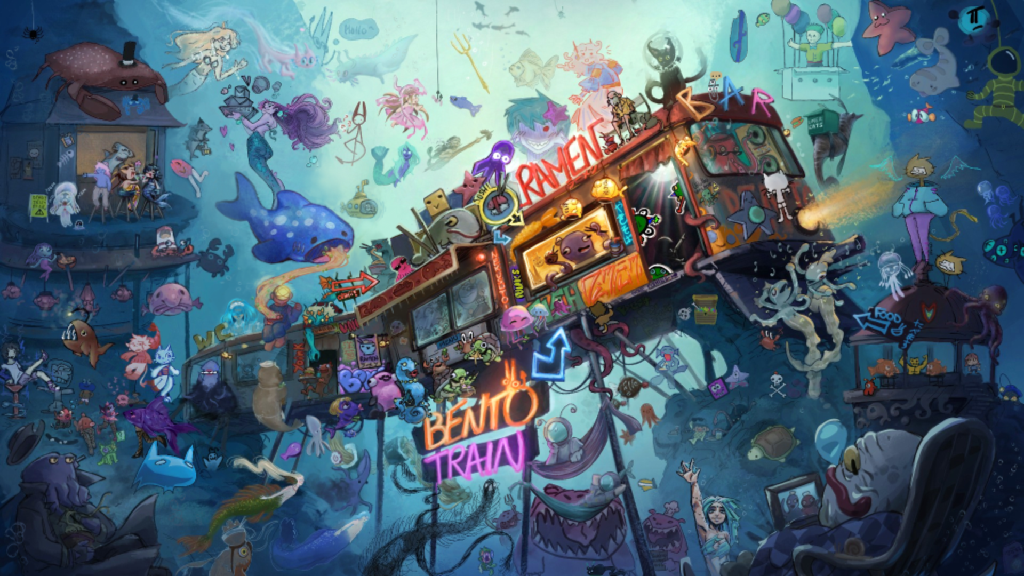
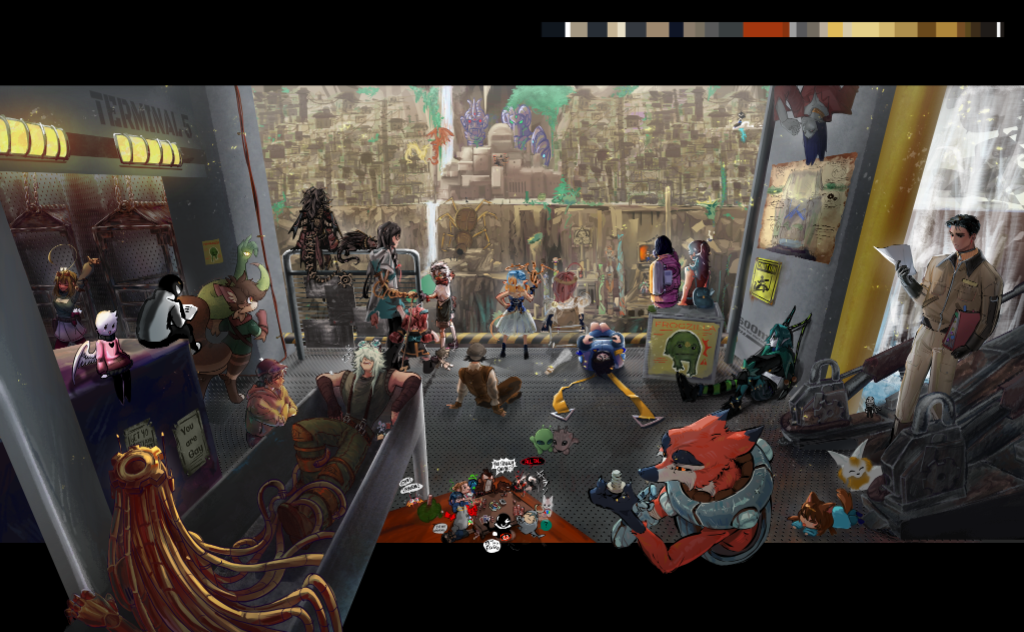
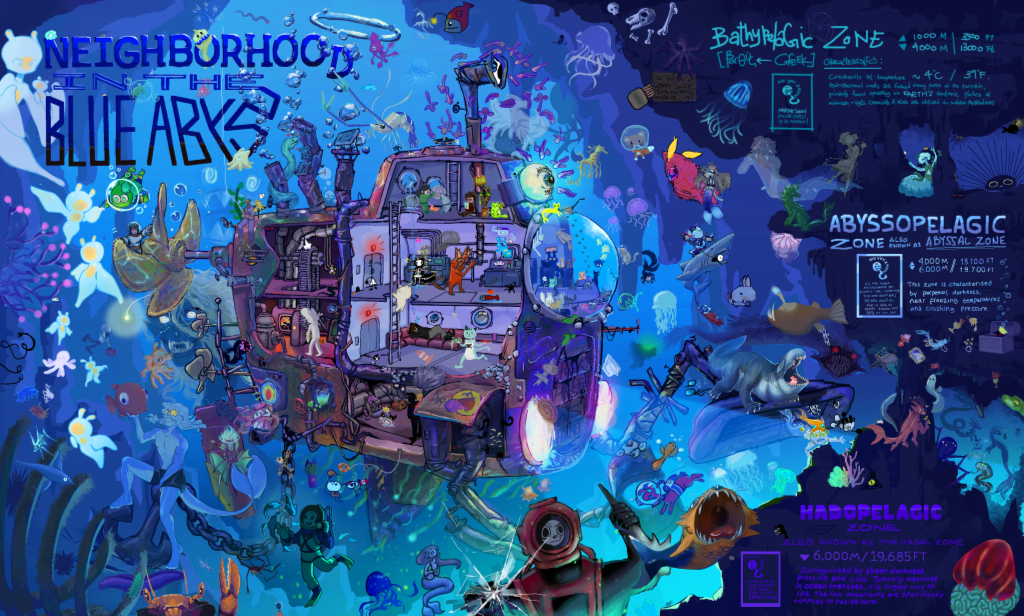
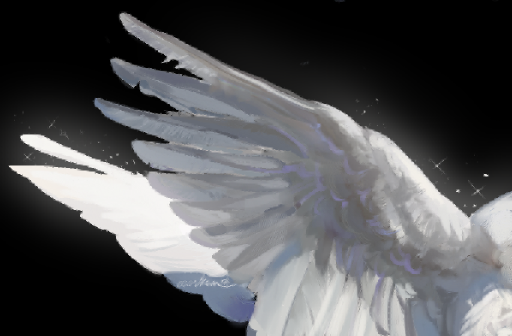
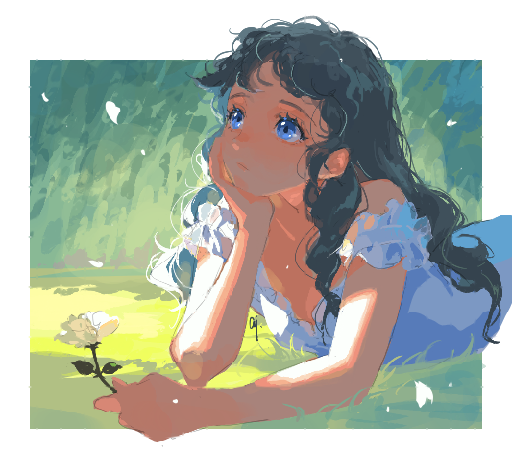
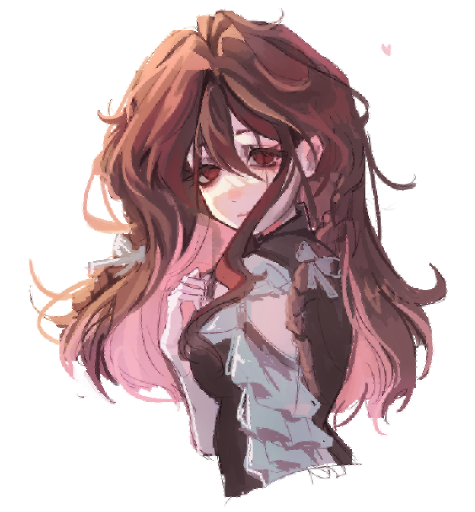
“In the Depths” 아트 잼 콘테스트 출품작입니다. 모두 여러 아티스트가 하나의 캔버스에서 실시간으로 함께 그렸습니다. 수상작을 확인해보세요.
커뮤니티 추천 작품
![006유유 、、💗🐟의 Draw on a BASE [13+] [ADMIN APPLICATION OPEN]](https://magma.com/zim05pXhOmp-fRkMJFg7FB.thumbnail.png?cacheId=m9nhP)
자주 묻는 질문
Photoshop 무료 버전이 있나요?
사실상 없습니다. 데스크톱 앱은 무료 체험 후 유료 구독이고, iPhone·iPad 앱은 무료로 다운로드할 수 있지만 유료 기능이 있습니다. 주로 그림을 그리고 채색한다면 Magma는 브라우저에서 무료로 쓸 수 있습니다.
Magma는 디지털 페인팅용 포토샵 대체 프로그램으로 쓸 만한가요?
네, 그림과 채색이 주된 작업이라면 그렇습니다. Magma에는 필압을 인식하는 브러시, 색 섞기, 혼합 모드와 클리핑을 지원하는 레이어, 손떨림 보정, 원근 그리드, 유동화가 있습니다. 마스크와 조정 레이어는 아직 없습니다.
Magma 파일을 Photoshop에서 열 수 있나요?
네. Magma는 레이어 이름, 불투명도, 혼합 모드, 클리핑을 유지한 레이어 PSD 파일로 내보내므로 Photoshop에서 작품을 마무리할 수 있습니다.
Magma에서 사진을 편집할 수 있나요?
가벼운 보정만 가능합니다. 색상 커브, 색조와 채도, 블러, 유동화 정도입니다. 본격적인 사진 편집에는 Photoshop이나 전문 사진 편집 프로그램이 더 적합합니다.
Magma는 생성형 AI를 사용하나요?
아니요. Magma에는 AI 이미지 생성 도구가 없습니다. 그 이유는 AI 아트 선언문에서 확인하세요.
Magma는 Chromebook에서 작동하나요?
네. Magma는 브라우저에서 작동하므로 Chromebook, Windows, Mac, 태블릿에서 필압과 함께 쓸 수 있습니다.
다른 프로그램과 비교
More guides
출처
다음 캔버스는 클릭 한 번이면 열립니다. 다운로드는 필요 없습니다.
무료로 시작하기