A free Photoshop alternative for drawing and painting
Photoshop is the standard for photo editing, with a price to match. If you mostly draw and paint, Magma gives you pressure-sensitive brushes, layers and PSD export in your browser for free, and you can paint on one canvas with friends.
Magma is a good fit if
- You use Photoshop mainly to draw, sketch or paint, not to edit photos.
- You want to paint with other artists on the same canvas, with voice chat.
- You're stuck in an art block or need motivation: drawing next to other artists sparks ideas and keeps you going.
- You'd like a free app that runs in the browser, with no install and no subscription.
Stick with Photoshop if
- You edit photos, or need masks, adjustment layers and advanced selections.
- You work in print (CMYK), with typography, or depend on plugins.
- You need to work offline or with the full Creative Cloud workflow.
Magma and Photoshop side by side
| Magma | Photoshop | |
|---|---|---|
| Price | Free (Spark plan). Blaze is $9.99/month | $22.99/month for the Photoshop plan (billed yearly). The Photography plan ($19.99/month) also includes it |
| Made for | Drawing and painting, alone or together | Photo editing, design and digital painting |
| Devices | Any modern browser (Windows, Mac, Chromebook, Linux, tablets), plus a desktop app for Windows and Mac (Apple Silicon). On phones and tablets, add it to your home screen and it opens like an app | Windows, Mac, iPad, iPhone and the web (the web and full features need a plan) |
| Draw together with friends | True multiplayer: you see every brush stroke as it's drawn. Hundreds of artists on one board, up to 30 on one canvas (50 on Blaze), with voice and text chat | Basic: live co-editing (in beta, needs a Creative Cloud plan) syncs changes between collaborators, but you don't watch each other's strokes as they're painted |
| Draw together with strangers | Yes: join public Art Jams and open canvases, or an Artspace community, and draw with artists from around the world | No |
| Infinite canvas | Yes: Multiboard puts many canvases side by side in one workspace, for comic pages, webtoon strips, layouts, references and big Art Jams | Artboards inside one document |
| Photo editing | Basic adjustments (curves, hue/saturation, blurs, liquify). No masks or adjustment layers | Industry standard: masks, adjustment layers, selections, retouching |
| Layers | 60 on the free plan, 200 on Blaze. No groups or masks yet | Layer groups, masks, smart objects |
| PSD files | Exports layered PSD (names, opacity, blend modes, clipping) and imports PSD as layers | Native format |
| Works offline | No. Magma is online so every stroke saves to the cloud as you draw, in the browser and in the desktop app | Yes (desktop app) |
| Generative AI | None. See our AI Art Manifesto | Generative Fill and other Firefly features |
| Community | Like Discord for artists: Artspaces with chat channels, voice, events and Art Jams, plus a public gallery and 5M+ artists | Behance |
Checked on 25 September 2026. Prices and features change, so see the sources at the bottom of the page.
Where Photoshop is better
Photoshop is the better tool if you edit photos or need masks, adjustment layers, precise selections or print workflows. Magma isn't a photo editor. It's a painting app for artists who want to draw, often together, without paying for software they only use a slice of.
Use both
Paint in Magma, export a layered PSD, and finish in Photoshop. Layer names, opacity, blend modes and clipping carry over. You can also bring a PSD into Magma to paint over it with friends.
Draw together
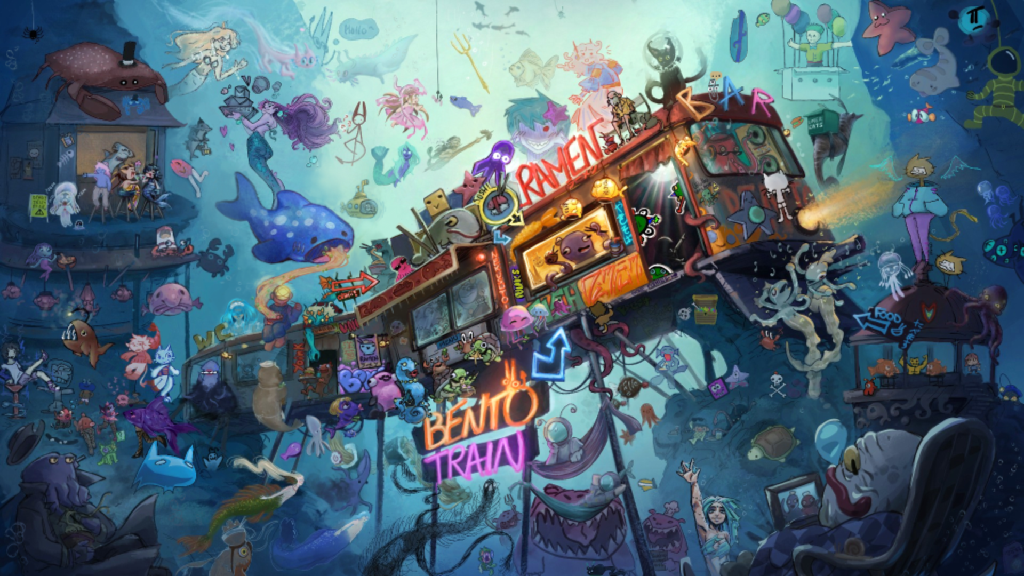
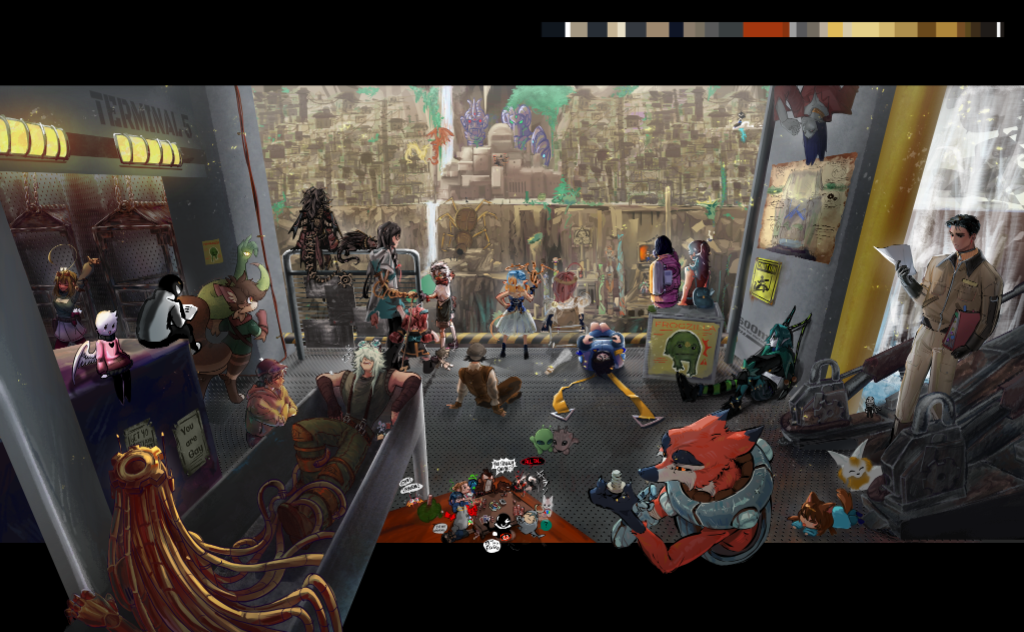
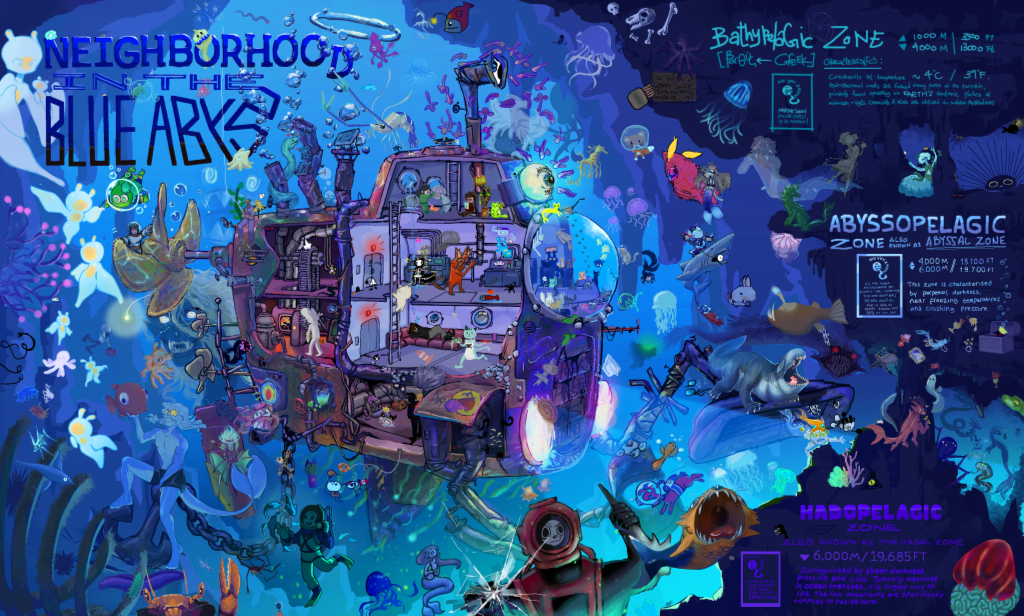
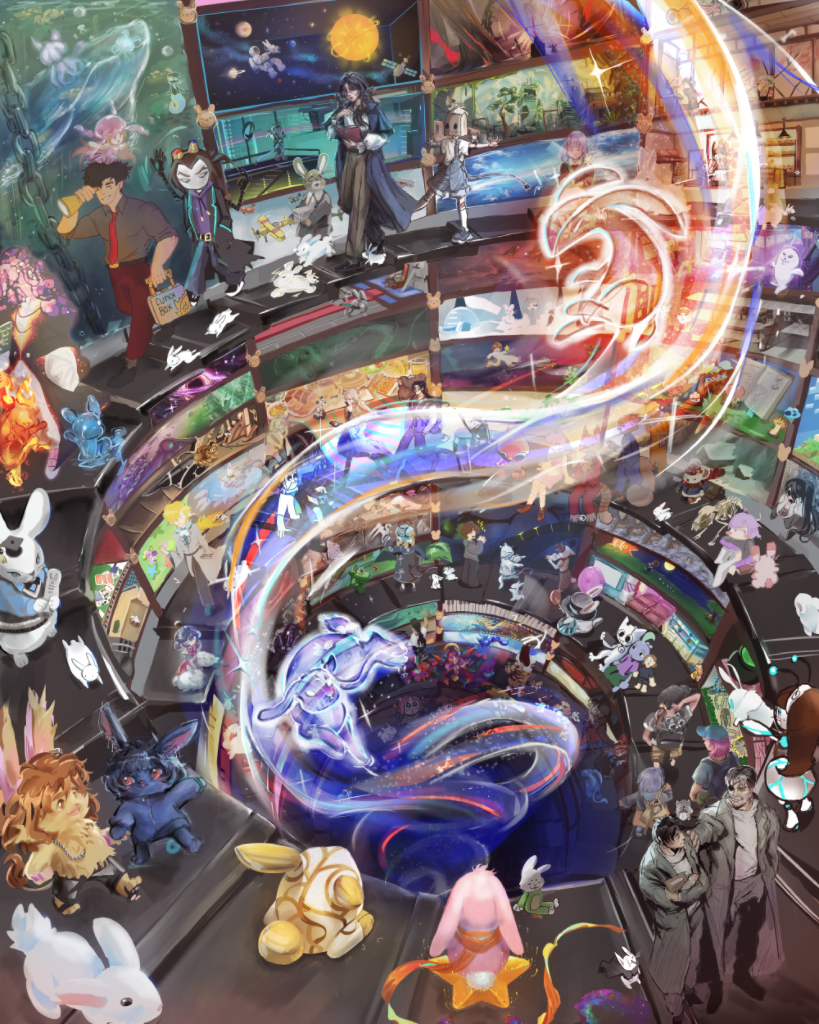
In Magma, every canvas can be shared, and it's truly live: you see each brush stroke the moment it's painted, not a synced file. Invite a friend or your whole class with a link, talk over voice, and paint the same piece together. Or join an Art Jam with artists from around the world.
Made together in Magma
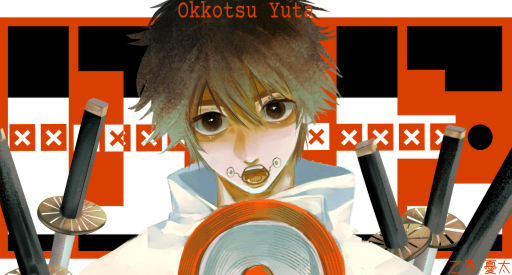
Featured works from the community
Frequently asked questions
Is there a free version of Photoshop?
Not really. The desktop app is a paid subscription with a free trial, and the iPhone and iPad app is a free download with paid features. If you mainly draw and paint, Magma is free to use in your browser.
Is Magma a good Photoshop alternative for digital painting?
Yes, if painting and drawing are what you do. Magma has pressure-sensitive brushes, blending, layers with blend modes and clipping, a stabilizer, a perspective grid and liquify. It doesn't have masks or adjustment layers yet.
Can I open Magma files in Photoshop?
Yes. Magma exports layered PSD files, keeping layer names, opacity, blend modes and clipping, so you can finish a piece in Photoshop.
Can I edit photos in Magma?
Only lightly: curves, hue and saturation, blurs and liquify. For real photo editing, Photoshop or a dedicated photo editor is the better choice.
Does Magma use generative AI?
No. Magma has no AI image-generation tools. Read our AI Art Manifesto to see why.
Does Magma work on Chromebook?
Yes. Magma runs in the browser, so it works on Chromebooks, Windows, Mac and tablets, with pen pressure.
Compare other tools
Your next canvas is one click away. No download needed.
Start drawing free