Make artwith Magma brushes that feel like paint
Pressure-sensitive brushes, real painting tools and layers, on a canvas your friends can join. Free, in your browser.
Start drawing freeJoin an Art Jam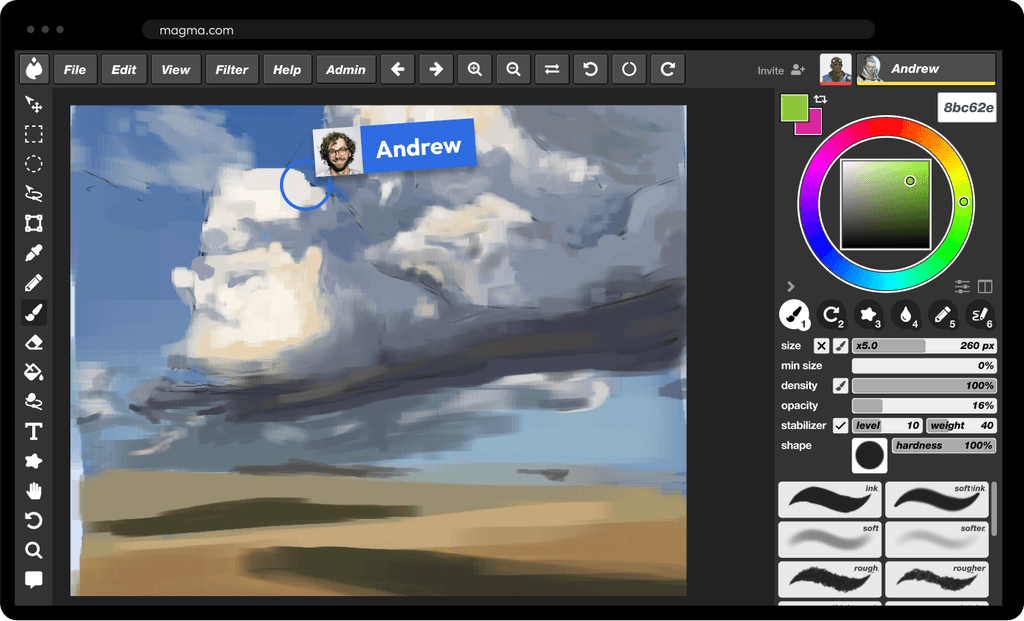

 Team Teriyaki
Art, together
Magma gives you serious drawing tools with a collaborative twist. Build your portfolio, draw with others in your fandom, or plan the art for a game, alone or with friends on the same canvas. 5M+ artists draw on Magma.
What's in Magma

Magma brushes that feel like paint
Start with the built-in brush sets: inks, pencils and charcoal, markers, textured and bristle brushes, blending brushes that push and mix color, foliage and patterns. Tune any brush with tip shape, texture, dual brush, scattering and color jitter, then save it as your own. Want more? Pick up creator brush packs made by Magma artists, some of them free.

Drawing tools for real work
Pen pressure and tilt from your tablet or stylus, and a stabilizer for clean line art. Hold Shift and click to draw a straight line. Perspective grids, lasso fill, a paint bucket, the Blend tool, liquify, curves, blurs and a Text tool for lettering and speech bubbles. Your own strokes have zero input lag: they're drawn on your device instantly, even with blending brushes.
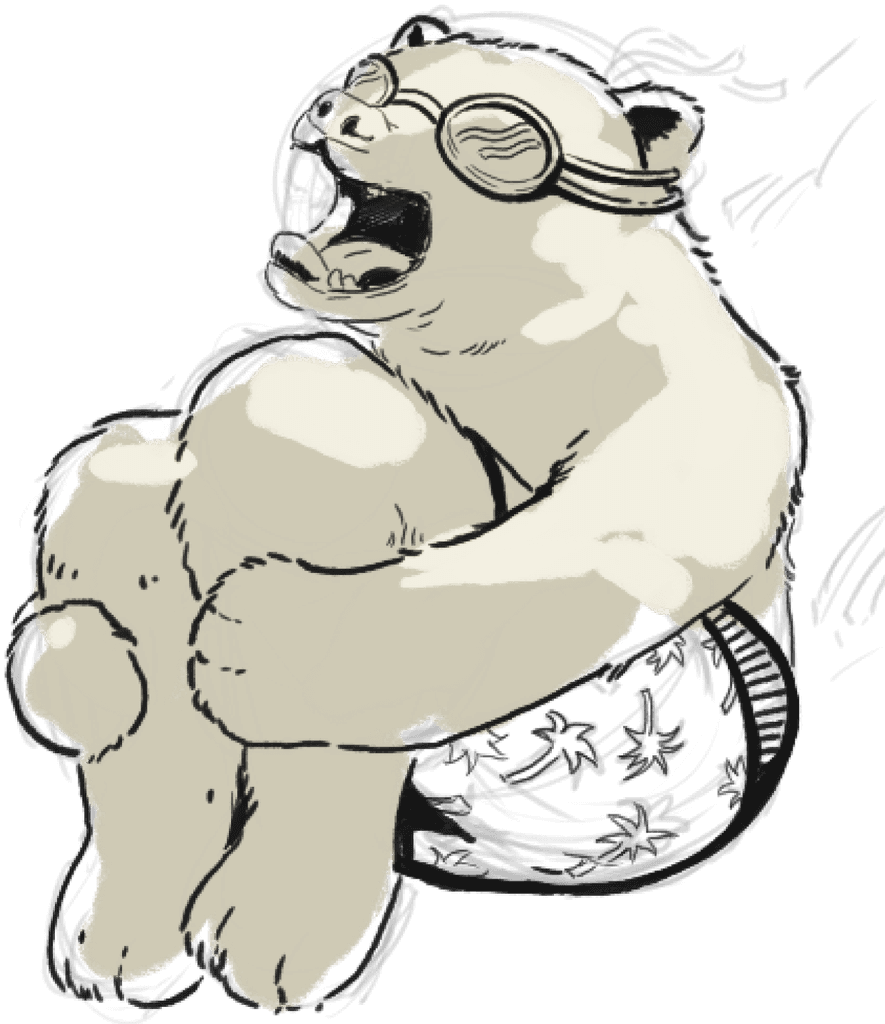
Layers, blend modes and PSD
Up to 60 layers on the free plan, with 16 blend modes, clipping and alpha lock. Export a layered PSD for free, or start a new board from a PSD and keep its layers, so a piece can move between Magma, Photoshop and Clip Studio Paint. How Magma compares

Draw together and join Art Jams
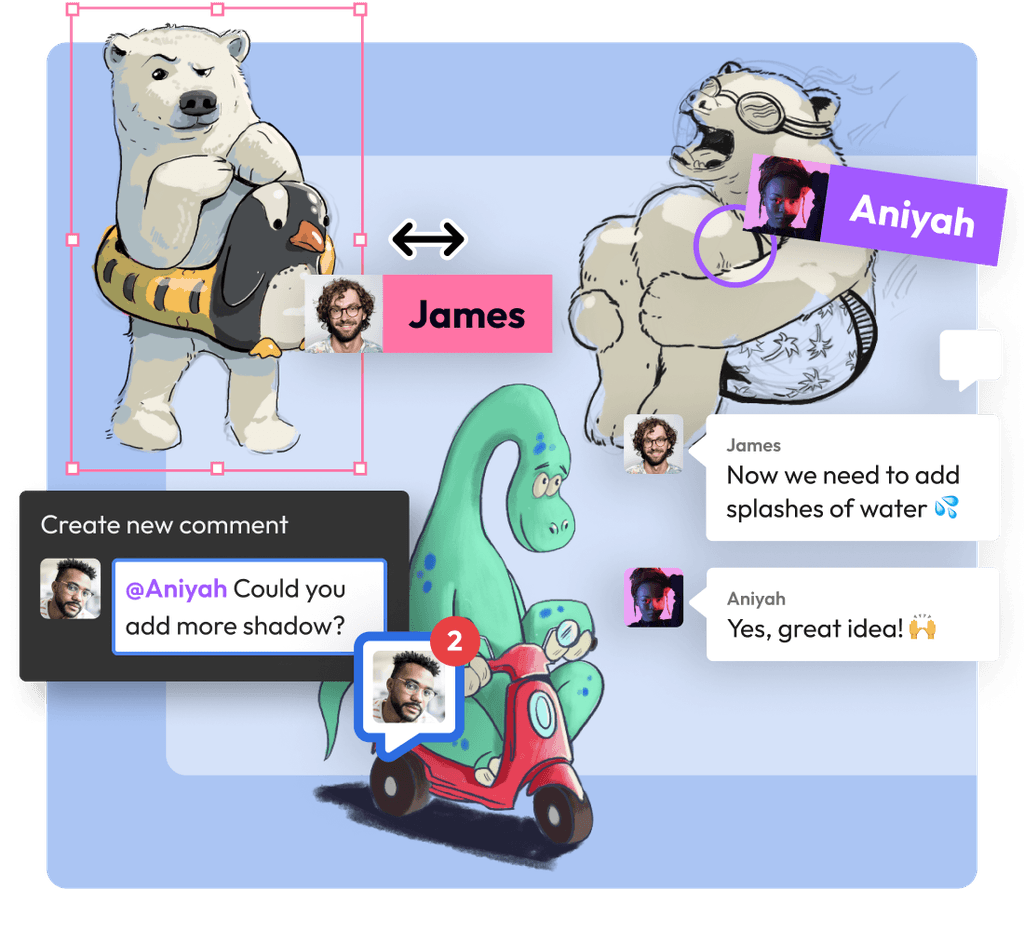
Send a canvas link and paint the same picture with friends: up to 30 artists per canvas on the free plan, 50 on Blaze. Or jump into an Art Jam, a live canvas anyone on Magma can find and join, and paint with artists from around the world. See the live Art Jams or read how to draw together.
Chat and call from the canvas
Every canvas has text chat and voice chat built in, so you can hand out a compliment, share an idea or just hang out while you draw. Leave comments right on the canvas for feedback. Blaze adds video and screen sharing to calls.

Artspaces for your community
An Artspace is a home for your art group, a bit like Discord for artists: chat channels, voice and shared canvases for events. Keep your work tidy in projects and folders, or open a Multiboard to put many canvases side by side on one infinite board, with room for hundreds of artists.

Draw in your browser, or in the desktop app
Nothing to install: Magma runs in the browser on Windows, Mac, Linux, Chromebooks, tablets and phones. Prefer an app? There's a desktop app for Windows and Mac (Apple Silicon). Your canvases save to the cloud, so they're the same on every device.
The Magma brushes
Every set is in your brush list when you open a canvas. Press B for the brush, then pick a set. See every brush with a real stroke.

General
Ink, soft ink, soft and softer. The soft brushes build up color with pen pressure, handy for airbrush-style shading.
Sketch and Chalk
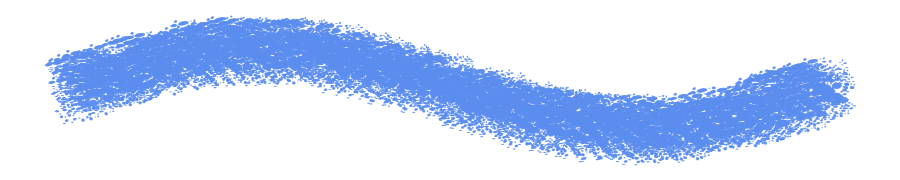
Pencils, graphite, sketchy rounds, chalky brushes, soft charcoal and Vine, a gesture brush that follows the tilt of your pen.
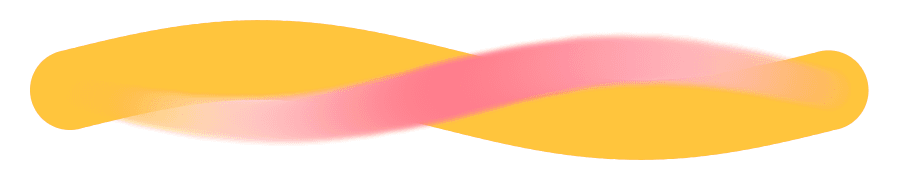
Blend and Paint
Brushes that pick up and mix the color already on the canvas, like wet paint. Pair them with the Blend tool to soften edges.

Textured
Rough and rougher, splatter, textured ink and Round Bristle, which thickens as you press harder.
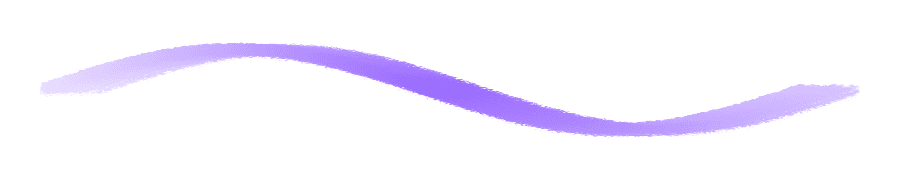
Markers, Rake, Block and Line
Flat and textured markers for clean coloring, rake brushes for broken multi-line strokes, and flat, square and scatter brushes for blocking in shapes.
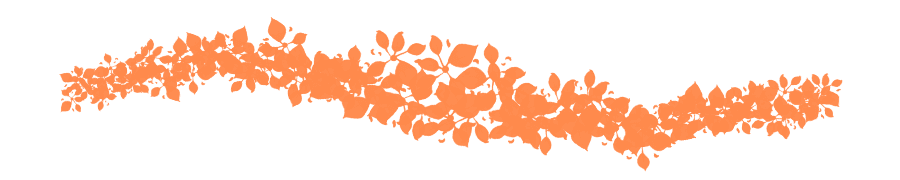
Foliage and Patterns
Grass and leaf brushes for quick greenery, and texture patterns like bark, stone, pebble and canvas for surfaces and backgrounds.
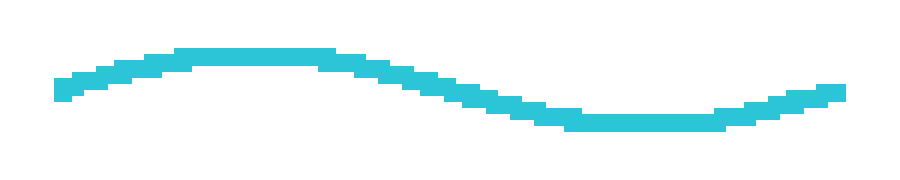
Pixel Pencil
A hard-edged square brush for pixel art (shortcut N). Any brush can also turn off anti-aliasing with the Pixelation setting.
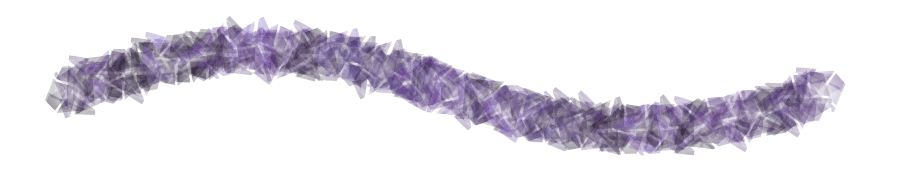
Your brushes and creator packs
Save your own brush presets (3 on the free plan, unlimited on Blaze) and add creator brush packs made by Magma artists, like Orb's free pack.
Shortcuts worth learning first
Keep one hand on the keyboard and the other on your pen.
How to start
It takes about a minute, and it works the same on Windows, Mac, Chromebook, Linux and tablets.
Create a free account
Sign up with Google, Discord or email.
Open a canvas
Start a new canvas, or a Multiboard if you're planning something bigger, like a comic or a group project.
Pick a brush
Press B, choose a brush set, and set the size, flow and stabilizer under the color wheel. Plug in your pen tablet for pressure.
Invite friends, or join a jam
Share the canvas link to draw together, or open the Art Jams and join one that's live.
Keep what you made
Everything saves to the cloud as you draw. Export a PNG or JPEG to post, or a layered PSD to keep working in another app.
What you can make
Illustrations and fan art
Paint a finished piece with pressure brushes, layers and blend modes, then post it to your profile and the community gallery.
Pixel art
The Pixel Pencil, a small canvas and the Pixelation setting keep every edge crisp.
Comics and webtoons
Give each page or strip its own canvas on a Multiboard, letter it with the Text tool, and see the whole thing at once.
Concept art and studies
Block in with textured brushes, set up a perspective grid for environments, and fix values with curves.
Doodles with friends
Not everything has to be finished. Open a canvas, turn on voice chat and doodle together. Draw together online
Art Jam pieces
Paint one picture with dozens of artists around a theme, in a live or scheduled Art Jam.
Good to know
- Magma has no symmetry tool yet.
- There are no layer groups, layer masks or animation timeline yet. PSD layer folders are flattened when you import.
- You can't import Photoshop (ABR) or Procreate brushes. Build your own in the brush settings instead.
- Magma is always online: every stroke saves to the cloud, so you need an internet connection.
Questions about Magma's features
Is Magma free?
Yes. The free Spark plan gives you the brushes and drawing tools, a 4096 px canvas, up to 60 layers, layered PSD export and up to 30 artists per canvas. Blaze ($9.99/month) raises the limits, adds unlimited saved brushes and removes ads. See pricing
What brushes does Magma have?
Built-in sets for inking, sketching (pencils, graphite, charcoal), blending and painting, textured and bristle brushes, markers, foliage and patterns, plus the Pixel Pencil. You can also add creator brush packs made by Magma artists.
Can I make custom brushes in Magma?
Yes. Open the brush settings, switch to Full mode and adjust tip shape, texture, dual brush, scattering, color dynamics and more. Save the result as a new brush: the free plan keeps 3 saved brushes, Blaze keeps unlimited.
Can I import brushes into Magma?
Not today. Magma doesn't import ABR or Procreate brush files. You can recreate a favorite brush in the advanced brush settings, or try the creator brush packs in your brush list.
Does Magma have an airbrush?
There's no brush called Airbrush, but the soft and softer brushes in the General set build up color as you press harder, the way an airbrush does. Lower the flow for gentler buildup.
Is there a pixel brush in Magma?
Yes. The Pixel Pencil (shortcut N) is a hard-edged square brush for pixel art. You can also turn on the Pixelation setting on other brushes to switch off anti-aliasing.
How do I draw a straight line in Magma?
Hold Shift and click: Magma draws a straight line from the end of your last stroke to the point you click. It works with the brushes, the Pixel Pencil and the eraser.
Is there a symmetry tool in Magma?
Not yet. To check a symmetrical drawing, flip the view with H and look at it mirrored, which shows up lopsided proportions quickly.
How do I copy and paste in Magma?
Select an area with a selection or lasso tool, press Ctrl+C to copy and Ctrl+V to paste (Cmd on a Mac). Ctrl+Shift+C copies all visible layers merged. You can also paste an image copied from another app straight onto the canvas.
Does Magma have folders?
Yes, for your canvases: in your Artspace, create projects and add folders inside them to keep your work organized. Inside a canvas, there are no layer folders yet.
Can I add text in Magma?
Yes. The Text tool adds editable text layers with a choice of fonts, size, bold and italic, spacing and alignment, for titles, lettering and speech bubbles.
Is there a Magma desktop app?
Yes, for Windows and Mac (Apple Silicon). You can also keep using Magma in your browser, and on a tablet or phone you can add it to your home screen so it opens like an app. Get the desktop app
What is an Art Jam on Magma?
An Art Jam is a canvas that any Magma artist can find and join, live or scheduled, usually around a theme. Join one on the Art Jams page or host your own.
Does Magma use generative AI?
No. Magma has no AI image-generation tools. Everything on a canvas is drawn by the people on it. Read our AI Art Manifesto.
Made by the community
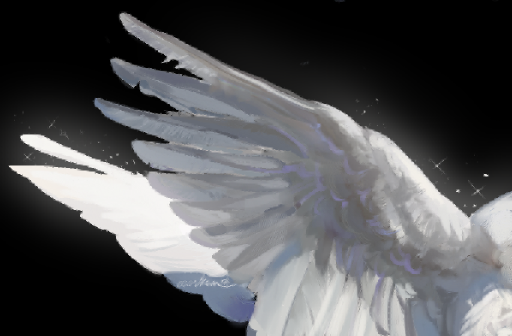 azorkem
 hawaii_2489()
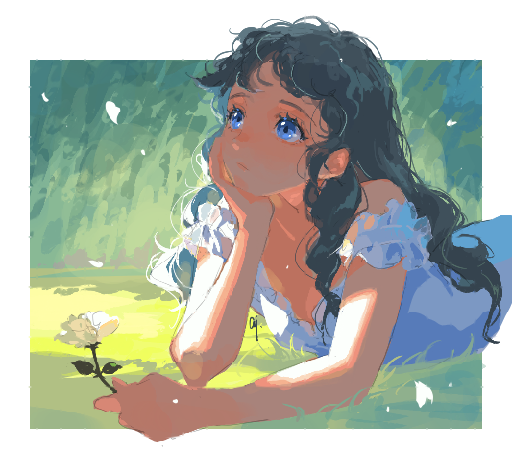 aj
aj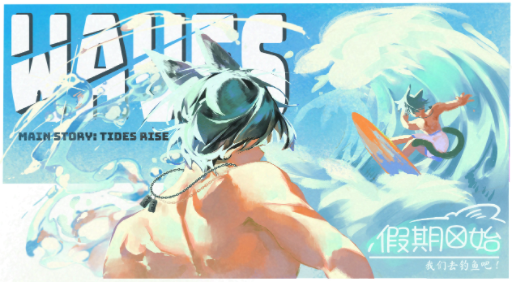 黄身yolk-san()
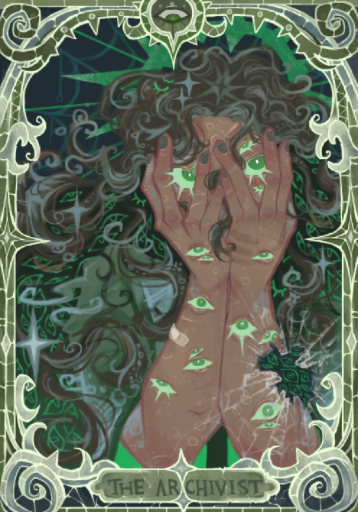 Hi jon apologies 4 the deception
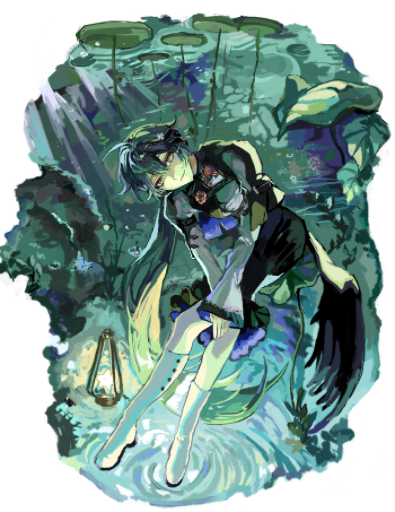 Wrio
Wrio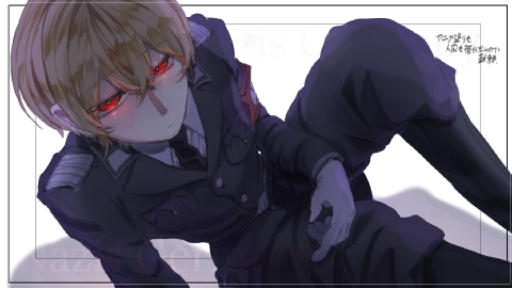 みゅの
みゅの dreamy
Pick a brush and start drawing.
It's free, it runs in your browser, and your friends are one link away.
Start drawing freeJoin an Art Jam