A free Procreate alternative that runs in your browser
Procreate is only on iPad. Magma works on the laptop, tablet or Chromebook you already have, with pen pressure, paint brushes that feel real and friends on the same canvas.
Magma is a good fit if
- You draw on a Windows PC, Mac, Chromebook or Android tablet and miss working in Procreate.
- You want to sketch with friends, classmates or your team on one canvas, live.
- You're stuck in an art block or need motivation: drawing next to other artists sparks ideas and keeps you going.
- You'd rather not install anything, or you switch between devices.
Stick with Procreate if
- You work on an iPad and often draw offline.
- You animate (Animation Assist or Procreate Dreams) or rely on symmetry and drawing guides.
- You need layer groups and masks today. Magma doesn't have them yet.
Magma and Procreate side by side
| Magma | Procreate | |
|---|---|---|
| Price | Free (Spark plan). Blaze is $9.99/month for bigger canvases and more layers | $12.99, one-time purchase |
| Devices | Any modern browser (Windows, Mac, Chromebook, Linux, tablets), plus a desktop app for Windows and Mac (Apple Silicon). On phones and tablets, add it to your home screen and it opens like an app | iPad only (Procreate Pocket on iPhone) |
| Draw together with friends | Yes: hundreds of artists on one board and up to 30 painting on the same canvas at once (50 on Blaze), with voice and text chat | No |
| Draw together with strangers | Yes: join public Art Jams and open canvases, or an Artspace community, and draw with artists from around the world | No |
| Infinite canvas | Yes: Multiboard puts many canvases side by side in one workspace, for comic pages, webtoon strips, layouts, references and big Art Jams | No: one fixed-size canvas per artwork |
| Works offline | No. Magma is online so every stroke saves to the cloud as you draw, in the browser and in the desktop app | Yes |
| Pen pressure and tilt | Yes, with a pen tablet or stylus | Yes, with Apple Pencil |
| Layers | 60 on the free plan, 200 on Blaze. No layer groups or masks yet | Layer groups and masks. The layer limit depends on your iPad and canvas size |
| Brushes | Paint brushes that feel real, blending, a stabilizer, your own custom brushes and brush packs made by Magma creators | Large built-in library and brush import |
| Animation | No timeline | Animation Assist, and Procreate Dreams sold separately |
| File export | Layered PSD, PNG, JPG | Layered PSD, .procreate, PNG, JPG, TIFF, PDF, GIF, MP4 |
| Generative AI | None. See our AI Art Manifesto | None. See Procreate's AI pledge |
| Community | Like Discord for artists: Artspaces with chat channels, voice, events and Art Jams, plus a public gallery and 5M+ artists | Procreate Folio forums |
Checked on 25 September 2026. Prices and features change, so see the sources at the bottom of the page.
Where Procreate is better
Procreate is a superb iPad app, and at $12.99 once it's hard to beat on value. If you're on an iPad, like to work offline, or animate, keep using it. Magma isn't trying to replace Procreate on the iPad. It's for every other device, and for drawing with other people.
Use both
Start a sketch with friends in Magma, export a layered PSD, and keep painting in Procreate on your iPad. It works the other way round too: Procreate exports PSD files that Magma imports as layers (layer groups are flattened on import).
Draw together
In Magma, a canvas is a room. Send a friend a link, talk over voice, and paint on the same piece at the same time. Or join an Art Jam and draw with artists from around the world.
Made together in Magma
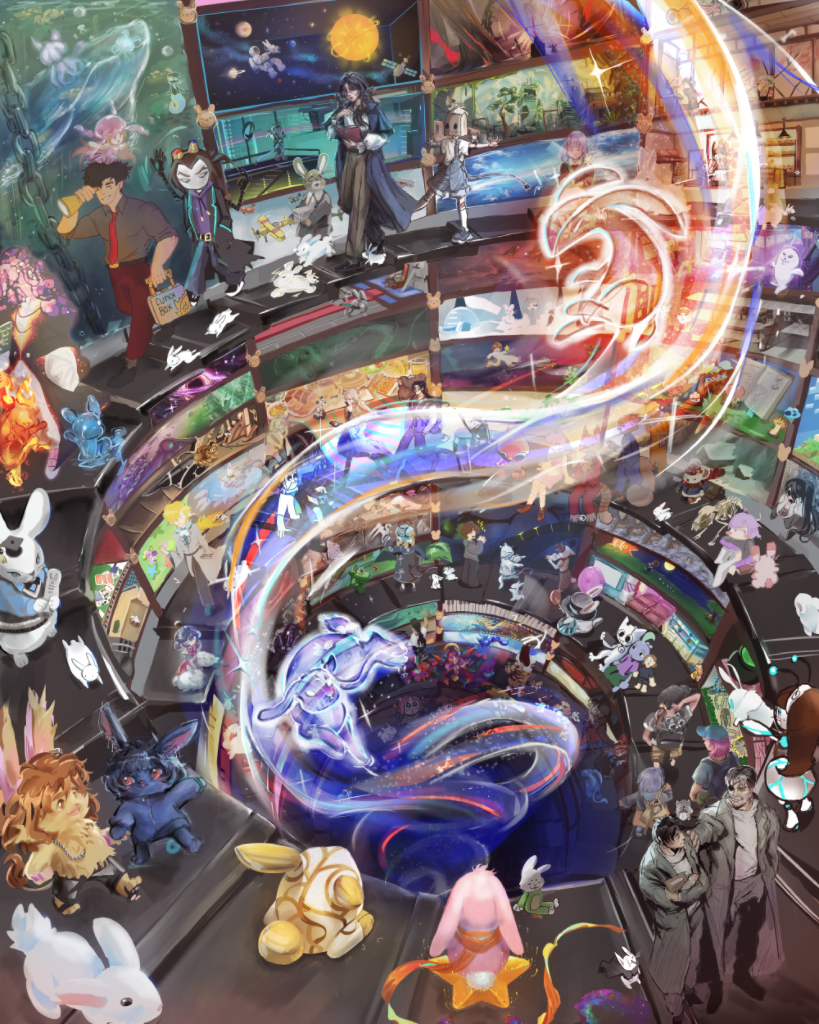 404 artists Into The Rabbit Hole
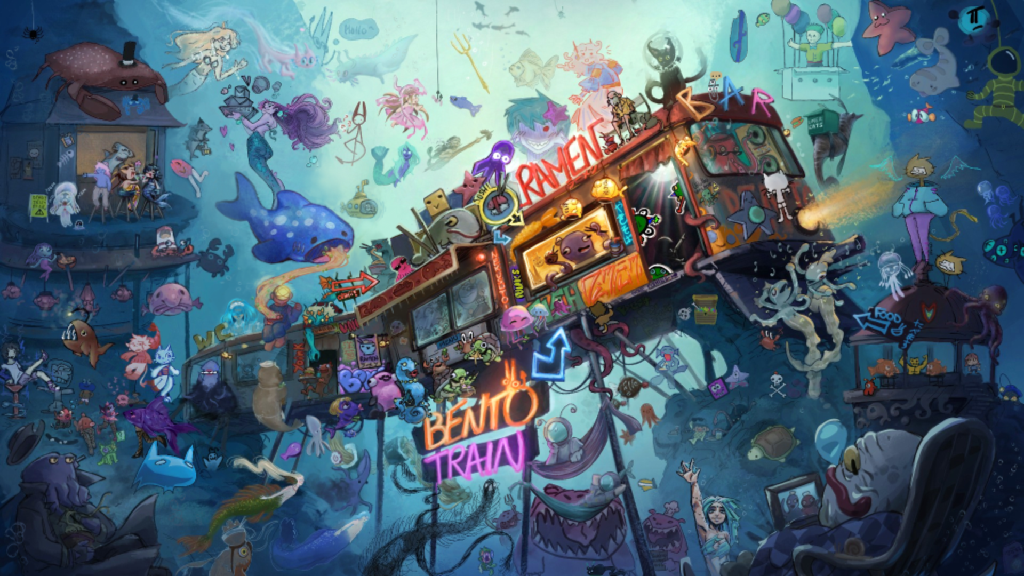 151 artists BENTO TRAIN
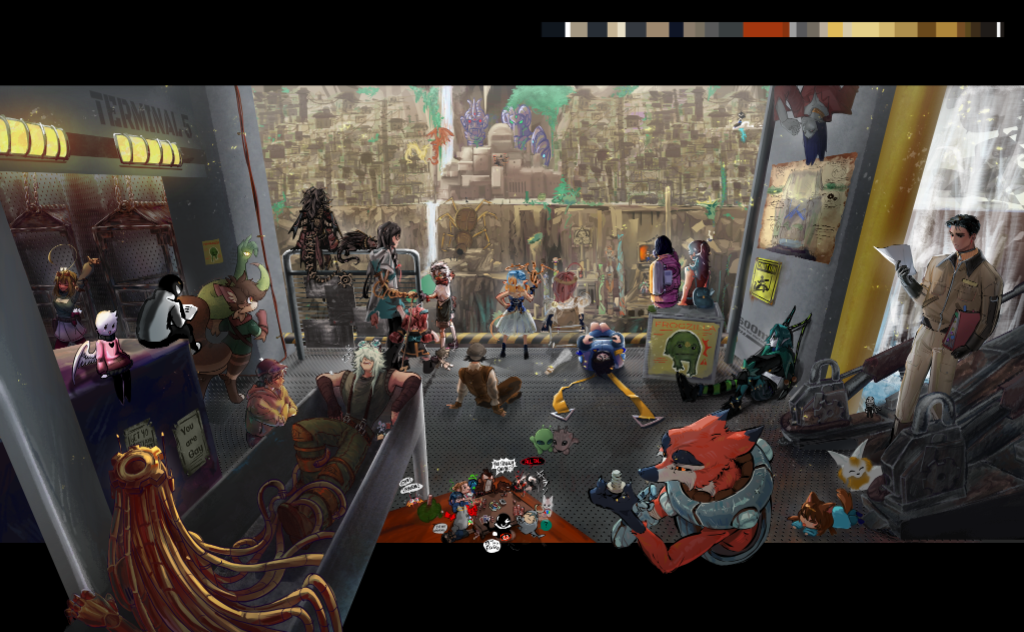 120 artists DOWN UNDAH
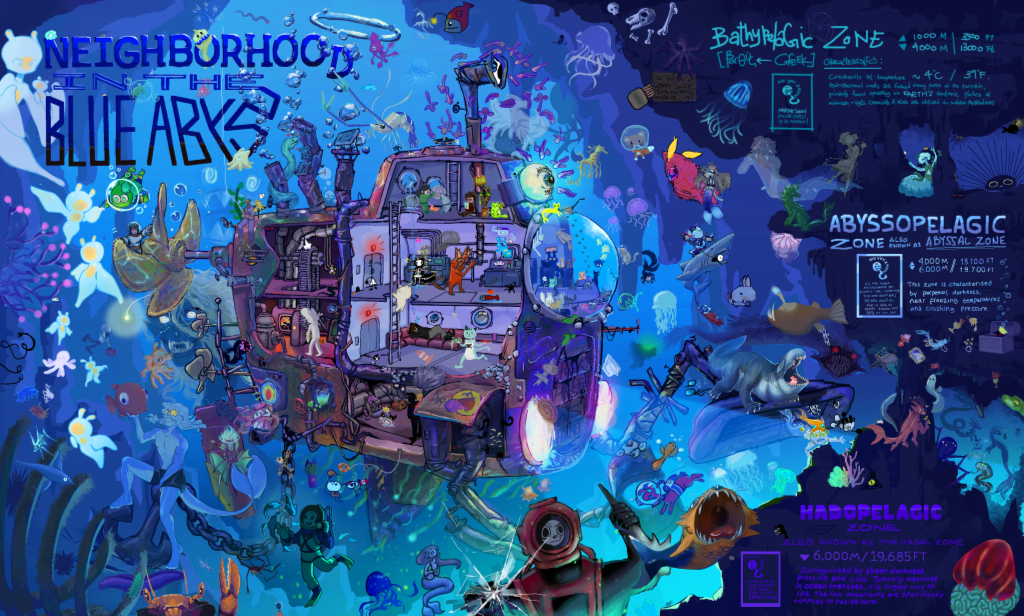 90 artists Deep Sea Expedition
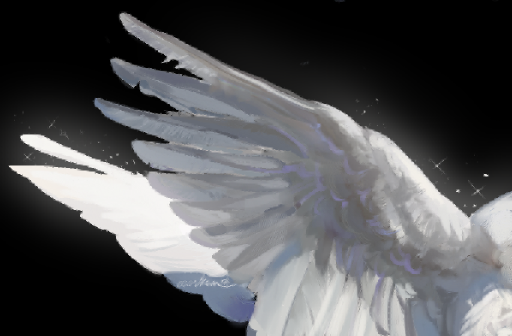
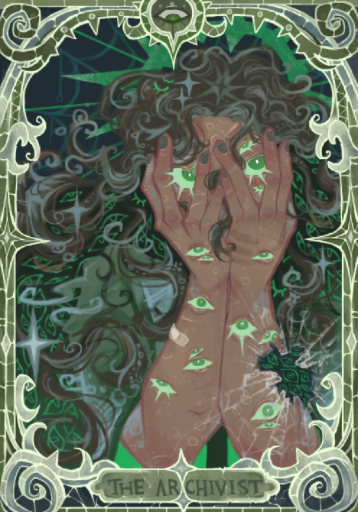
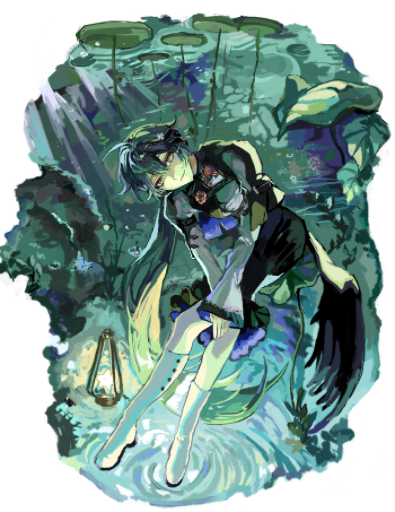
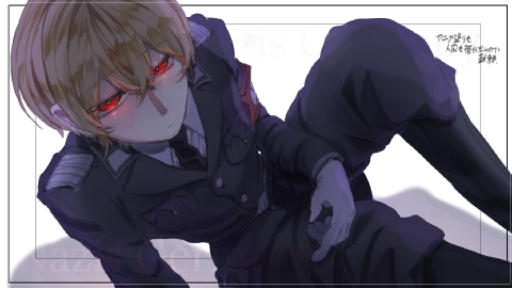
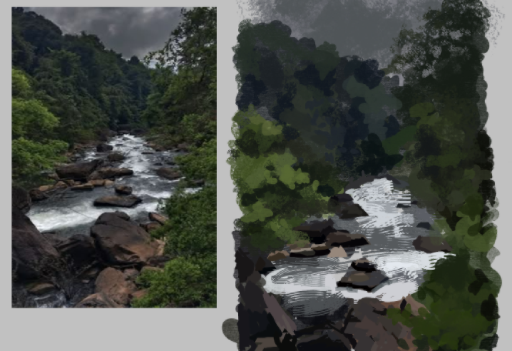
Featured works from the community


Frequently asked questions
Is there Procreate for Windows or Android?
No. Procreate is made for iPad, and Procreate Pocket for iPhone. There's no official Windows, Android, Mac or web version. Magma runs in your browser on all of those, and there's a desktop app for Windows and Mac.
Is Magma free?
Yes. The free Spark plan includes a 4096 px canvas, up to 60 layers, layered PSD export and drawing with up to 30 people on one canvas. Blaze ($9.99/month) raises the limits and removes ads.
Does Magma work with my drawing tablet?
Yes. Magma reads pen pressure and tilt from pen tablets and styluses in the browser, on Windows, Mac, Chromebook and Android tablets.
Is there a Magma app for iPad or Android tablets?
Magma runs in the browser on iPad and Android tablets. Add it to your home screen and it opens like an app, with pen pressure from your stylus. On computers there's also a desktop app for Windows and Mac.
Can I open my Procreate files in Magma?
Export a PSD from Procreate and import it into Magma. Your layers come across, and layer groups are flattened.
Does Magma use generative AI?
No. Magma has no AI image-generation tools. Read our AI Art Manifesto to see why.
Can I use Magma offline?
Not at the moment. Magma, including the desktop app, saves your work to the cloud as you draw, so you need an internet connection.
Compare other tools
More guides
Sources
Your next canvas is one click away. No download needed.
Start drawing free