Magmaが向いている人
- Windowsパソコン、Mac、Chromebook、Androidタブレットで描いていて、Procreateのように描きたい人
- 友達やクラスメイト、チームと1つのキャンバスで、リアルタイムにラフを描きたい人
- スランプ中の人や、ほかのアーティストと一緒に描いてアイデアとやる気をもらいたい人
- 何もインストールしたくない人や、複数のデバイスを使い分ける人
Procreateが向いている人
- iPadで描いていて、オフラインで作業することが多い人
- アニメーション(アニメーションアシストやProcreate Dreams)を作る人や、対称ガイド・描画ガイドが欠かせない人
- Magmaにまだないレイヤーグループやマスクが、今すぐ必要な人
MagmaとProcreateの比較
| Magma | Procreate | |
|---|---|---|
| 料金 | 無料(Sparkプラン)。Blazeプランは月額$9.99で、キャンバスが大きくなり、レイヤーも増えます | 1,800円(買い切り) |
| 対応デバイス | 最新のブラウザで動作(Windows、Mac、Chromebook、Linux、タブレット)。Windows・Mac(Appleシリコン搭載)用のデスクトップアプリ(PC版)もあります。スマートフォンやタブレットでは、ホーム画面に追加するとアプリのように開けます | iPadのみ(iPhoneはProcreate Pocket) |
| 友達と一緒に描く | 対応:1つのアートボードに数百人、同じキャンバスで同時に描けるのは最大30人(Blazeは50人)。ボイスチャット・チャット付き | なし |
| 世界中のアーティストと一緒に描く | 対応:公開中のアートジャムや公開キャンバス、アートスペースのコミュニティに参加して、世界中のアーティストと描けます | なし |
| 無限キャンバス | 対応:マルチボードなら、1つのワークスペースに複数のキャンバスを並べられます。マンガのページ、Webtoon、レイアウト、資料、大規模なアートジャムに | なし:1つの作品に、サイズが決まったキャンバスが1つ |
| オフライン作業 | 非対応。Magmaはオンラインで動くので、ブラウザでもデスクトップアプリでも、描いた一筆ごとにクラウドに保存されます | 対応 |
| 筆圧と傾き | 対応(ペンタブレット・タッチペン) | 対応(Apple Pencil) |
| レイヤー | 無料プランは60レイヤー、Blazeは200レイヤーまで。レイヤーグループ・マスクはまだありません | レイヤーのグループ化、マスクに対応。レイヤー数の上限はiPadとキャンバスサイズによって変わります |
| ブラシ | 絵の具のように描けるブラシ、色混ぜ、手ブレ補正、自作のカスタムブラシ、Magmaのクリエイターが作ったブラシパック | 豊富な内蔵ブラシライブラリ、ブラシの読み込み |
| アニメーション | タイムラインなし | アニメーションアシスト。Procreate Dreamsは別売り |
| ファイルの書き出し | レイヤー構造を保持したPSD、PNG、JPG | レイヤー構造を保持したPSD、.procreate、PNG、JPG、TIFF、PDF、GIF、MP4 |
| 生成AI | なし(「AIについての考え方」を参照) | なし(Procreateの生成AIに関する方針を参照) |
| コミュニティ | アーティスト版のDiscordのような場所。アートスペースにチャットチャンネル、ボイスチャット、イベント、アートジャムがそろい、公開ギャラリーと500万人以上のアーティストが集まります | Procreate Folio(フォーラム) |
2026年9月25日時点の情報です。価格や機能は変わることがあるので、ページ下部の出典を確認してください。
Procreateのほうが優れている点
ProcreateはiPad向けの優れたアプリで、1,800円の買い切りという価格も魅力です。iPadで描く人、オフラインで作業したい人、アニメーションを作る人は、Procreateを使い続けるのがおすすめです。Magmaは、iPadでProcreateの代わりになることを目指していません。iPad以外のデバイスで描くときや、ほかの人と一緒に描くときのためのアプリです。
併用する
Magmaで友達とラフを描き始め、レイヤー構造を保持したPSDを書き出せば、iPadのProcreateで描き続けられます。逆も同じです。ProcreateからPSDを書き出せば、Magmaにレイヤーごと読み込めます(レイヤーグループは読み込み時に解除されます)。
一緒に描く
Magmaでは、キャンバスがみんなの集まる部屋になります。友達にリンクを送り、ボイスチャット(音声通話)で話しながら、同じ作品を同時に描けます。アートジャムに参加して、世界中のアーティストと一緒に描くこともできます。
Magmaでみんなで描いた作品
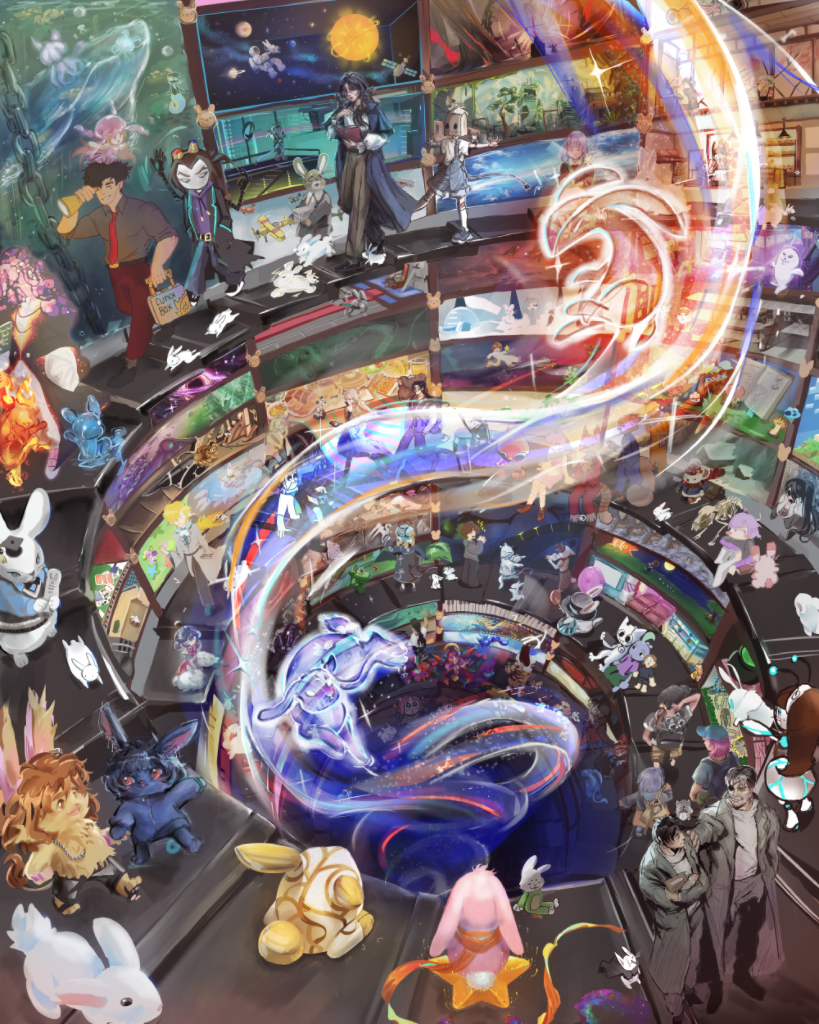 404人のアーティスト Into The Rabbit Hole
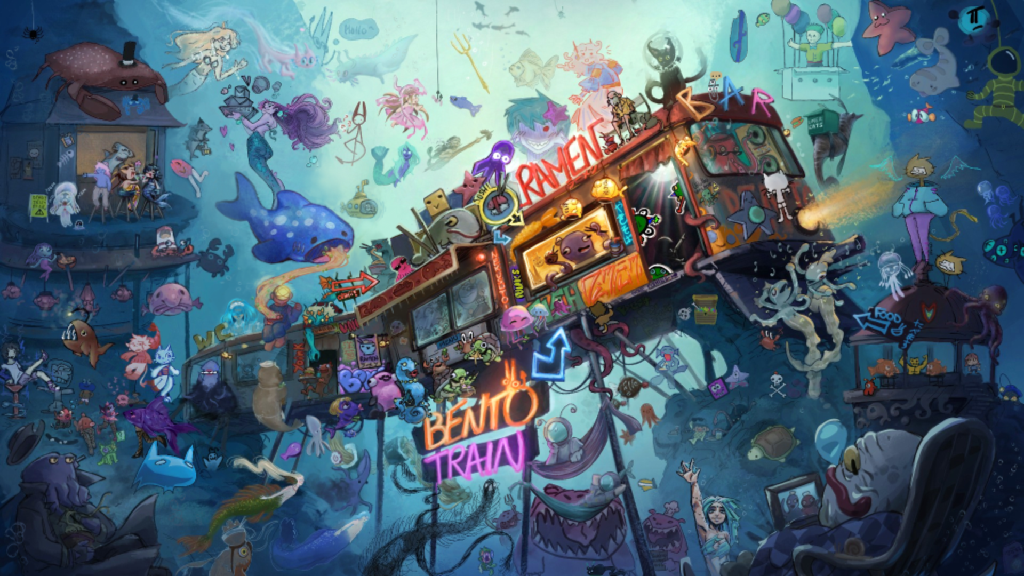 151人のアーティスト BENTO TRAIN
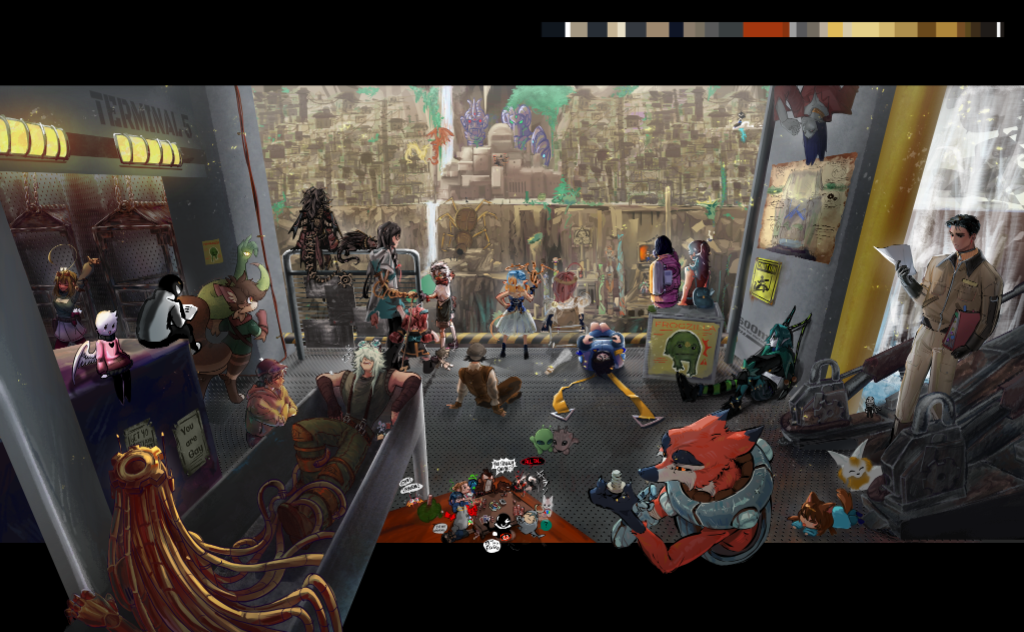 120人のアーティスト DOWN UNDAH
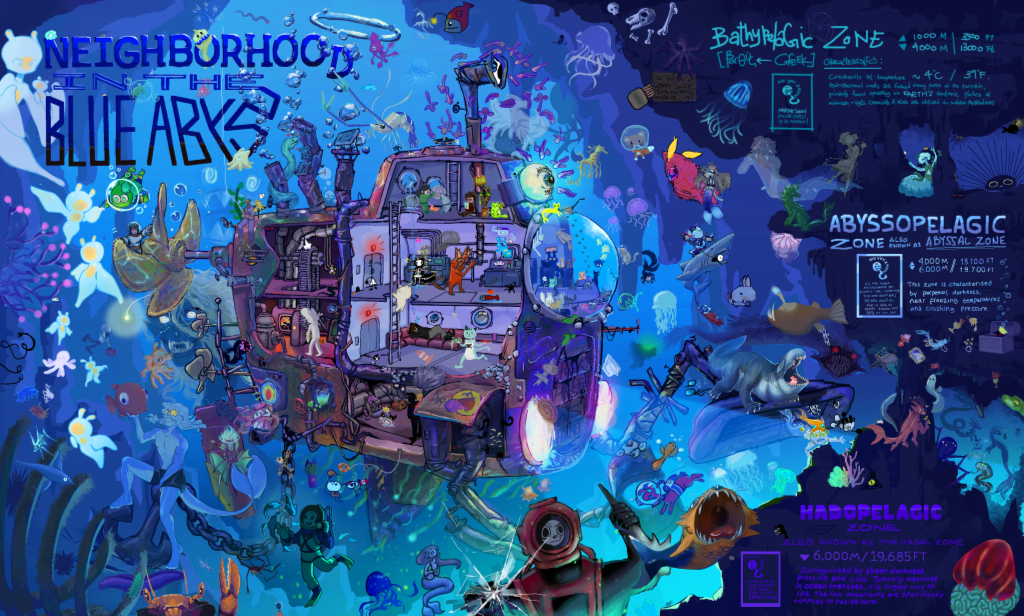 90人のアーティスト Deep Sea Expedition
アートジャムのコンテスト「In The Depths」の作品です。どれも多くのアーティストが1つのキャンバスでリアルタイムに描きました。結果発表はこちら
注目の作品
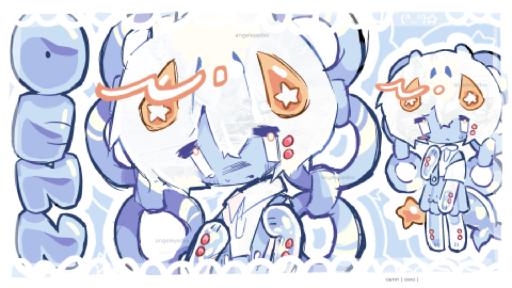
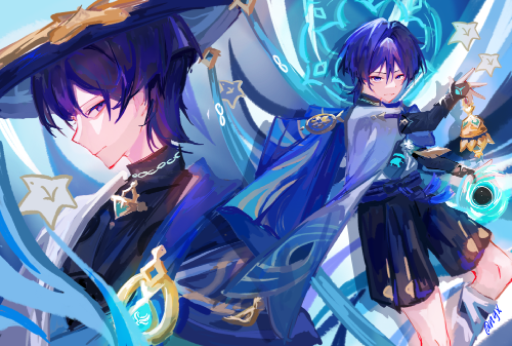



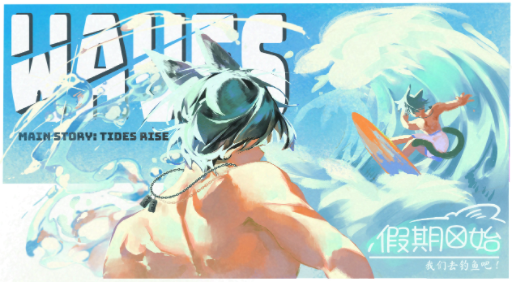
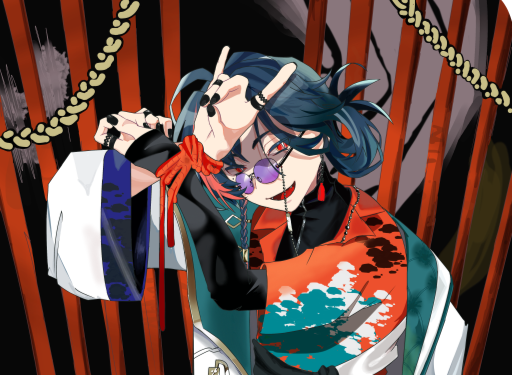
![006유유 、、💗🐟さんの「Draw on a BASE [13+] [ADMIN APPLICATION OPEN]」](https://magma.com/zim05pXhOmp-fRkMJFg7FB.thumbnail.png?cacheId=m9nhP)
よくある質問
ProcreateはWindowsやAndroidで使える?
使えません。ProcreateはiPad専用のアプリで、iPhone向けにはProcreate Pocketがあります。公式のWindows版、Android版、Mac版、web版はありません。Magmaならブラウザで動くので、これらすべてで使えます。Windows・Mac用のデスクトップアプリもあります。
Magmaを無料で使う
無料で使えます。無料のSparkプランでは、4,096pxのキャンバス、最大60レイヤー、レイヤー構造を保持したPSDの書き出しを使え、1つのキャンバスで最大30人と一緒に描けます。Blaze(月額$9.99)なら上限が増え、広告もなくなります。
Magmaでペンタブを使う
使えます。Magmaはブラウザ上で、ペンタブレットやタッチペンの筆圧と傾きを感知します。Windows、Mac、Chromebook、Androidタブレットで使えます。
iPad・AndroidタブレットでMagmaを使う
iPadやAndroidタブレットでは、ブラウザでMagmaを使えます。ホーム画面に追加するとアプリのように開け、タッチペンの筆圧も使えます。パソコンなら、Windows・Mac用のデスクトップアプリもあります。
ProcreateのファイルをMagmaで開く
PSDで開けます。ProcreateからPSDを書き出して、Magmaに読み込んでください。レイヤーはそのまま引き継がれ、レイヤーグループは解除されます。
Magmaで生成AIは使える?
使えません。Magmaには画像生成AIのツールがありません。理由は「AIについての考え方」で紹介しています。
Magmaはオフラインで使える?
今のところ使えません。Magmaはデスクトップアプリも含め、描くそばから作品をクラウドに保存するので、インターネット接続が必要です。
ほかのアプリとの比較
関連ガイド
出典
ワンクリックで、すぐに描き始められます。ダウンロードは不要です。
無料で使ってみる